Page24of86
ToinserttheSupervisorCODECHIPmoduleintotheQuidelTriageMeterPro,slidethechiplabeled"SPR"
intothemeter’sCODECHIPmoduleportasshowninthepicture.
HowtoSetParameters:BasicInstructions
Allinstructionsassume:
Themeterison.
Themeterscreenisdisplayingthemainmenu.
TheSupervisorCODECHIPmoduleisinstalled.
1. SelectSETPARAMETERSusingthe
keys.
2. Pressthekey.
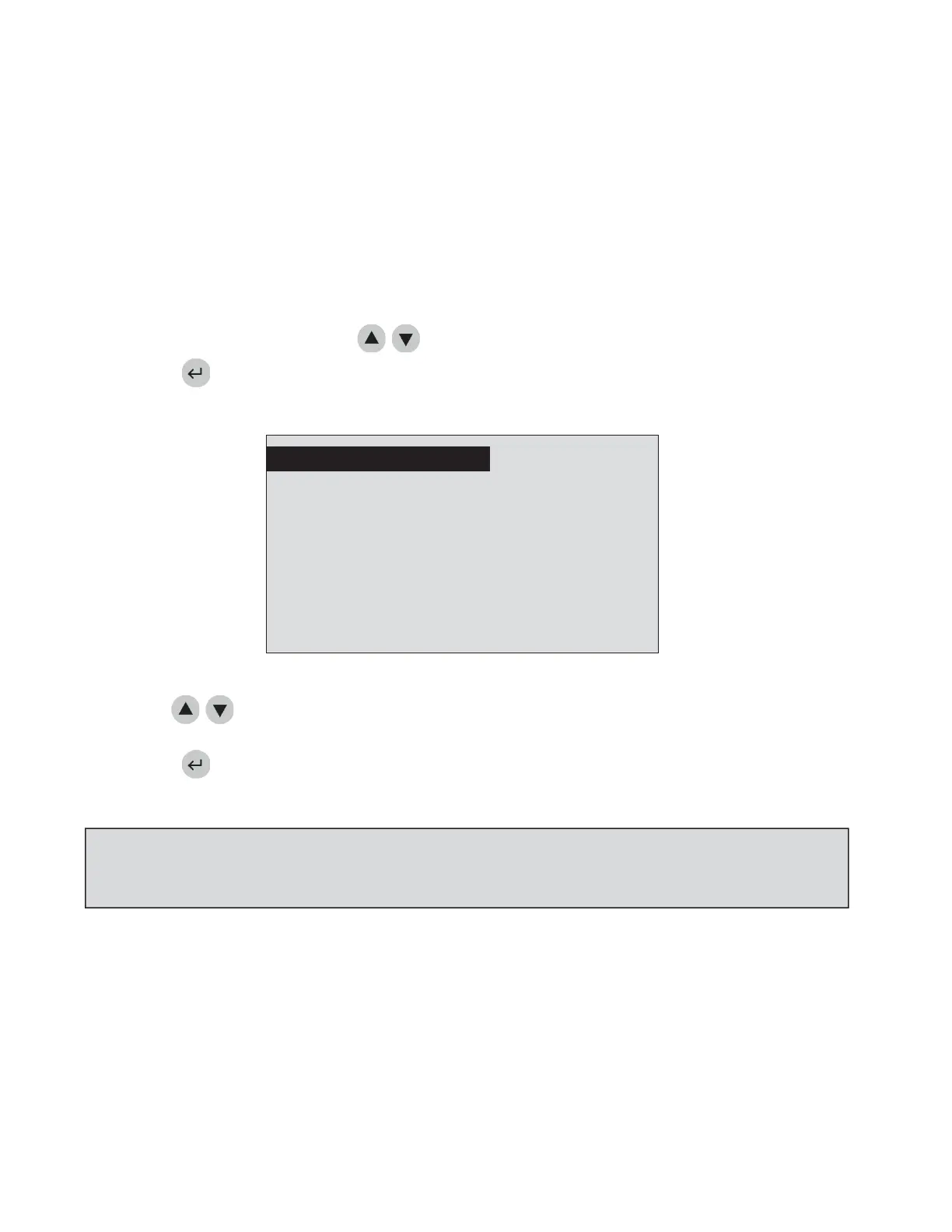
3. Youwillseealistofprogrammableparameters.
METERSETTINGS
CLOCK
USERID
RANGES
TESTSETTINGS
CPARAMETERS
BYPASS
SELECTWITHvOR^ANDPRESSENTER
ORPRESSEXI
TheSetParametersMenu
4. Usethe
keystoselecttheparameteryouwanttoprogram:
METERSETTINGS,CLOCK,USERID,RANGES,TESTSETTINGS,QCPARAMETERS,
orBYPASS.
5. Pressthekey.
6. Followthedirectionsforsettingtheselectedparameter(seethenextsection).
NOTE:Tosavechanges,presstheENTERkey.Tocancelchanges,presstheEXITkey.Wheneitherthe
ENTERortheEXITkeysarepressed,themeterperformstheappropriatefunctionandreturnstothe
previousmenu.



 To Next Page