Page52of86
UserID
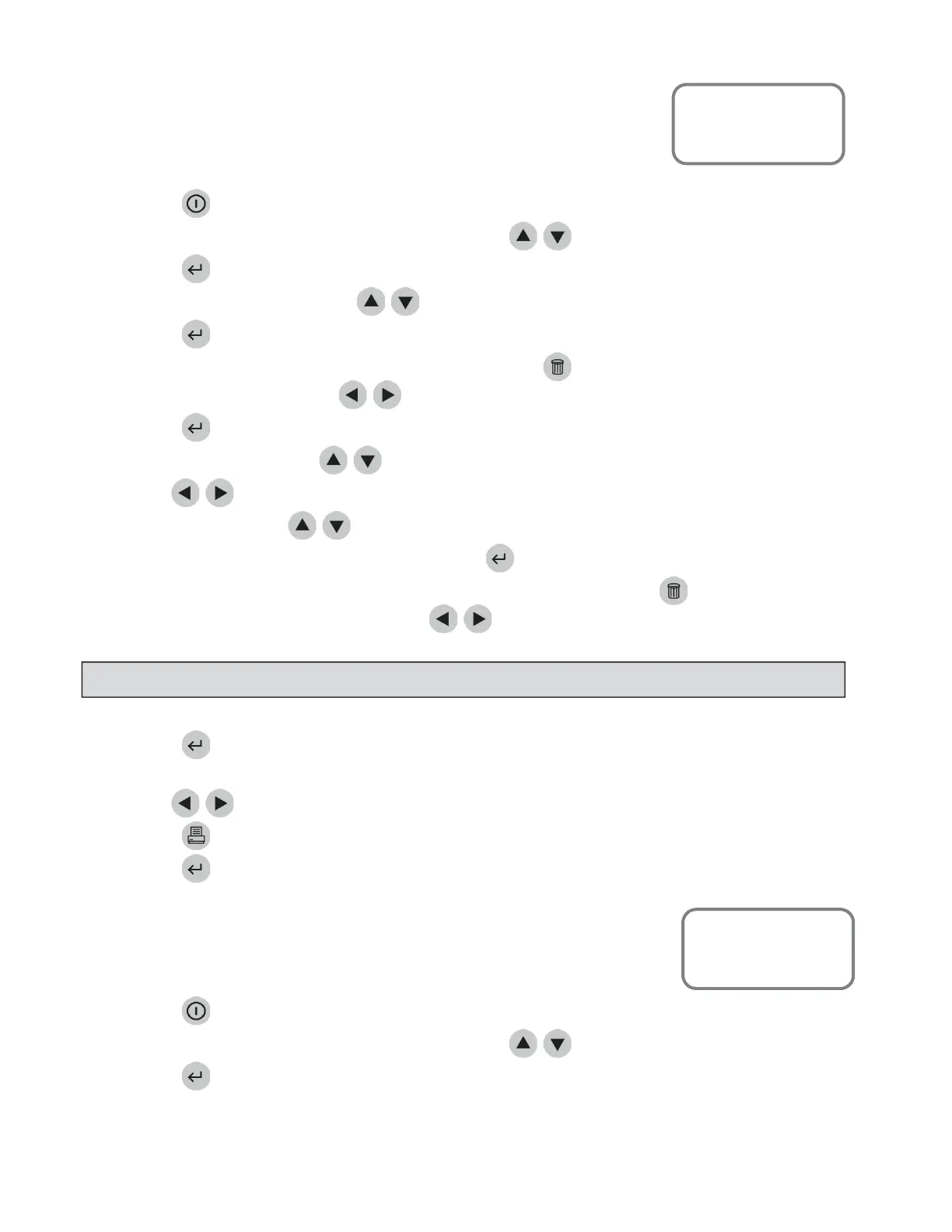
ToretrieveresultsfromtestsrunontheQuidelTriageMeterProstartingwith
theuseryouselect:
1. PressthekeytopowertheQuidelTriageMeterProon.
2. FromtheMAINMENUselect RECALLRESULTSusingthe
keys.
3. Pressthekey.
4. SelectPATIENTRESULTSusingthe
keys.
5. Pressthekey.
6. Typeorscaninyouridentification(UserID).Tocorrect,presstocleartheentireID,orselectthe
incorrectcharacterbyusingthe
keys.ThentypeinthecorrectID.
7. Pressthekey.
8. Select
3$1(/7<3(usingthe
keys.
9. Usethe
keystoselectthedesiredpanel.
10. Select
86(5,'usingthe
keys.
11. Todisplayallresultsfortheselectedpanel,pressthekey.
12. TodisplayresultsspecifictooneUserID,typeintheUserID.Tocorrect,presstocleartheentireID,
orselecttheincorrectcharacterbyusingthekeys.Thentypein
thecorrectID.
13. Pressthekey.
14. Allresultsfromtestsrunbytherequesteduserfortheselected panelaredisplayed.
15. Usethe
keystoviewtheentirerecord.
16. Pressthekeytomakeaprintedcopy.
17. Pressthekeytouploadtheselected
resultstoLIS.
FromDate
ToretrieveresultsfromtestsrunontheQuidelTriageMeterProstartingwith
adateyouselect:
1. PressthekeytopowertheQuidelTriageMeterProon.
2. FromtheMAINMENUselect RECALLRESULTSusingthe
keys.
3. Pressthekey.
MainMenu
RecallResults
Patient Results
NOTE
:IftheUserIDbypassisON, themeterwillnotaskyoutoenteraUserID
MainMenu
RecallResults
Patient Results



 To Next Page