Page50of86
PatientResults
Options:
Patientresultscanberetrievedbasedonavarietyofcriteria:
PatientID
TestDeviceLotNumber(L/N)
UserID
FromDate
TillDate
PatientID
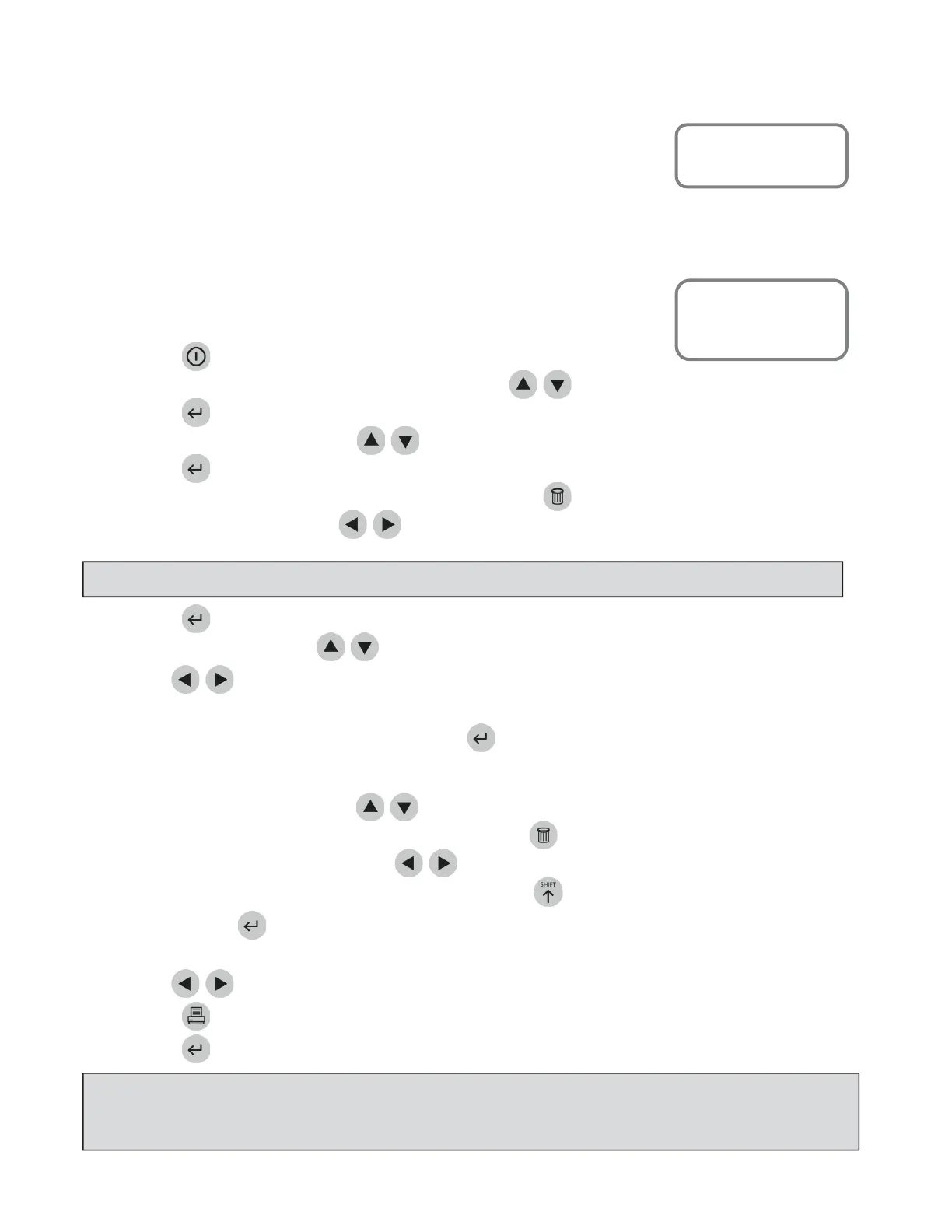
ToretrieveresultsbasedonthepatientID:
1. PressthekeytopowertheQuidelTriageMeterProon.
2. FromtheMAINMENUselect RECALLRESULTSusingthe
keys.
3. Pressthekey.
4. SelectPATIENTRESULTSusingthe
keys.
5. Pressthekey.
6. Typeorscan
inyouridentification(UserID).Tocorrect,presstocleartheentireID,orselectthe
incorrectcharacterbyusingthe
keys.ThentypeinthecorrectID.
7. Pressthekey.
8. SelectPANELTYPEusingthe
keys.
9. Usethe
keystoselectthedesired
panel.
10. Choosetheres u ltsyouwanttosee:
Ifyouwanttoseeallpatientresults,pressthekey.Allthepa tientresultsintheQuidelTriage
MeterPro’smemoryfortheselectedpanelwillbedisplayed.
Forindividual patientresults:
a. SelectPatientIDusingthe
keys.
b. TypeorscaninthepatientID.Tocorrect,pressthekeytocleartheentireID,orselectthe
incorrectcharacterbyusingthe
keys.ThentypeinthecorrectID.
c. ToselectapatientID withalphacharacters,usethekeytoenteralphacharacters.
d. Pressthekey.AllresultsoftherequestedpatientIDfortheselectedpanelwillbe
displayed.
11. Usethe
keystoviewtheentirerecord.
12.Pressthekeytomakeaprintedcopy.
13.PressthekeytouploadtheselectedresultstoLIS.
MainMenu
RecallResults
MainMenu
RecallResults
Patient Results
NOTE
:IftheUserIDbypassisON, themeterwillnotaskyoutoenteraUserID
NOTE
:Youmaychoosemorethanoneoftheoptionsforrecallingresultsinordertodefinemoreprecisely
theinformationyouwanttorecallfromtheQuidelTriageMeterPro’smemory.Whenyouchoosemultiple
options,firstinputvaluesinallthecategoriesyouhavechosen.ThenpresstheENTERkey.



 To Next Page