Page29of86
PrinterContrast
Thissettingwilladjusttheprintercontrastformeterswithaserialnumber
29901orgreater.
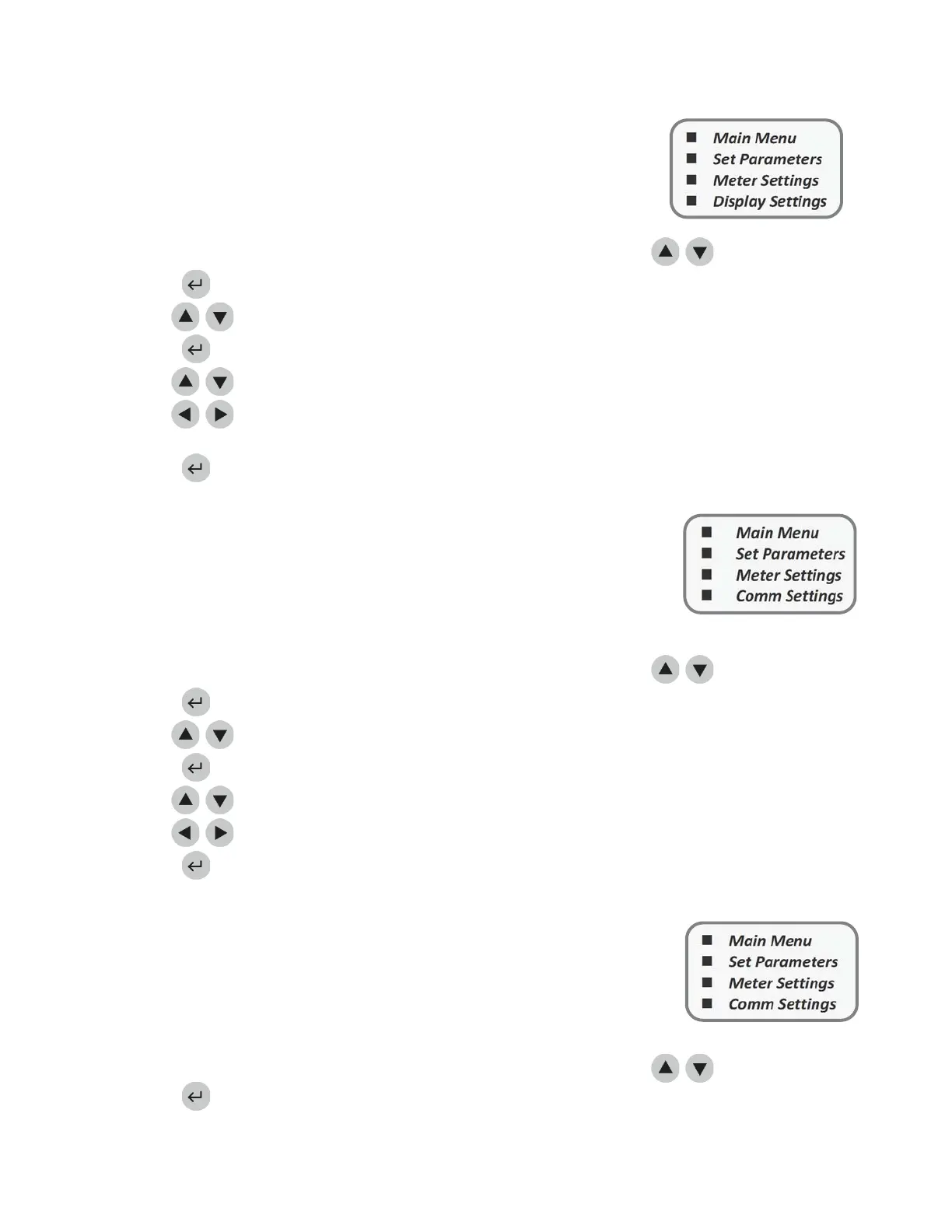
1. Fromalistofprogrammableparameters,chooseMETERSETTINGSusingthekeys.
2. Pressthekey.
3. UsethekeystoselectPRINTERCONTRAST.
4. Pressthekey.
5.
UsethekeystoselectthenumbertotherightofContrast.
6. Usethekeystochangethecontrastofthemeter’sscreen.Therangeisfrom0Ͳ8(8beingthe
greatestcontrast).
7. Pressthekeytosavechanges.
CommunicationSettings
PriortoactivatingtheLISfeature,obtainthemeter’sserialnumberlocated
underneaththemeterandcontactQuidel(RefertotheAssistancesection).
TheQuidelRepresentativewillprovideyouwithapasswordthat,whenentered,
willallowdatatobetransmitted.
BaudRate
1.
1.
1.
1. Froma
listofprogrammableparameters,chooseMETERSETTINGSusingthekeys.
2. Pressthekey.
3. UsethekeystoselectCOMMSETTINGS.
4. Pressthekey.
5. UsethekeystoselectBAUDRATE.
6. Usethekeystochoose9600or38400.
7. Pressthekey.
PatientResult
Approval
Someinstitutionsmaywishforpatienttestresultstobeverifiedbytheuser
beforeprintingorsendingtotheLIS.Activationofthisfeaturedisplaystheresult,
thenrequirestheusertoacceptorrejecttheresultbeforetherecordisprinted
andsaved.Ifthetestisrejected,the
meterwillpermanentlyflagitasrejected
bytheuser.
1. Fromalistofprogrammableparameters,chooseMETERSETTINGSusingthe
keys.
2. Pressthekey.
MainMenu
SetParameters
Meter Settings
CommSettings
MainMenu
SetParameters
Meter Settings
DisplaySettings
MainMenu
SetParameters
MeterSettings
CommSettings



 To Next Page