20 quTAG MC Manual www.qutools.com
6.4 Option Upgrade
As stated in chapter 4 the number of axes and some features of quTAG are optional. Options and
axes may be upgraded (or downgraded) on-site by entering a device specific key. The serial
number of the quTAG is required when ordering an upgrade key.
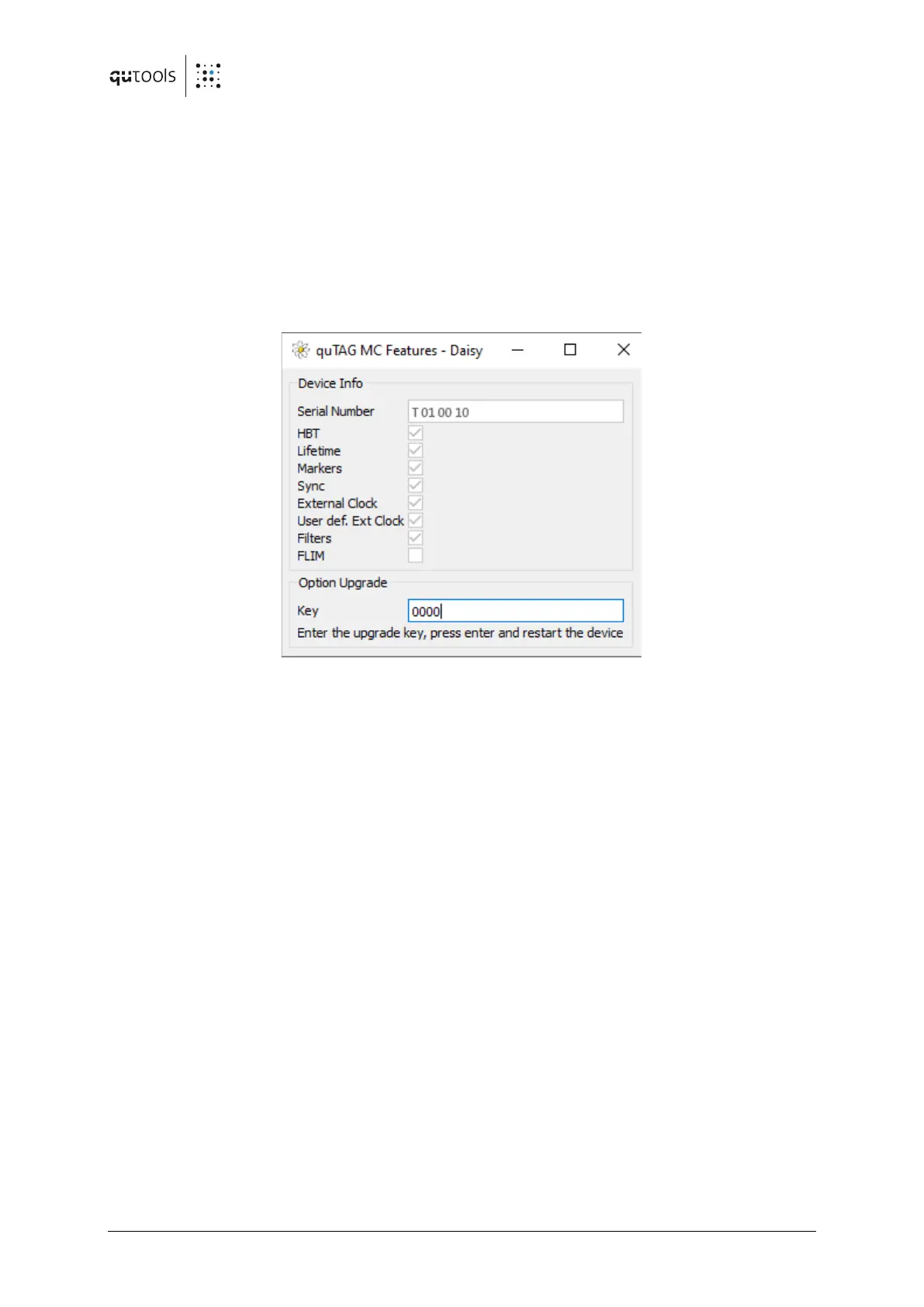
To inspect the active options or to install a new one start Daisy. In the file manager, locate
"feature.ngc" in the installation folder and drag it into the program window (or open the program
menu using ctrl+F9 and select file/load panel). Enter the key obtained from the vendor and press
Enter. Close the program window and restart the device.
Figure 8: Option upgrade


 To Next Page