44
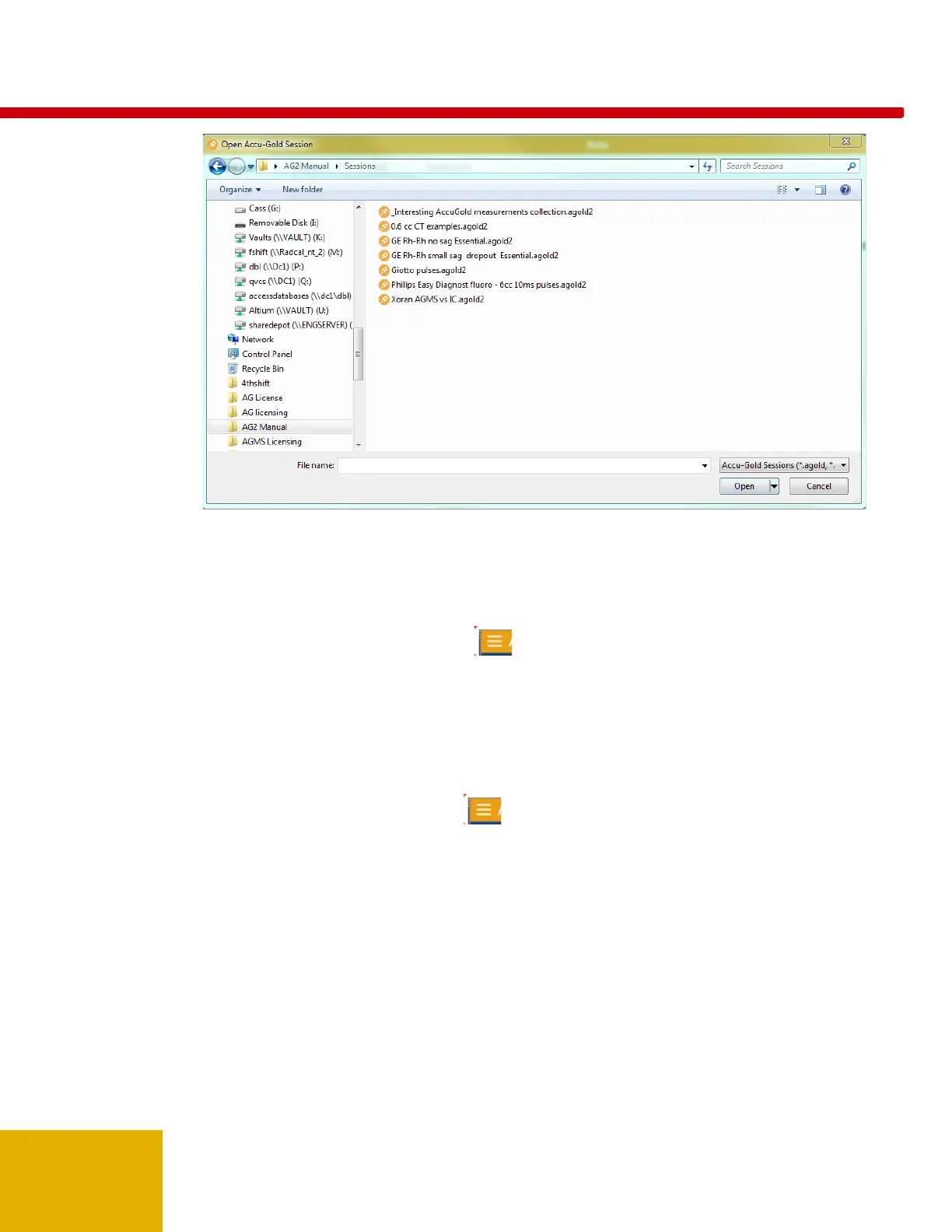
2. Navigate to a saved session and click Open to open the session.
Importing a Session
Importing a session provides an easy way to combine measurement sessions. To import a session,
perform the following actions:
1. On the Accu-Gold main screen, click and select Import Session. The Open Accu-Gold
Session dialog appears.
2. Navigate to a saved session and click Open to import the session. The session will be appended
to the end of the current session.
Saving a Session
To save a session in progress, perform the following actions:
1. On the Accu-Gold main screen, click and select Save or Save As... The Save Accu-Gold
Session dialog appears.



 To Next Page
 Loading...