84
For information on installing the software, see Appendix A.
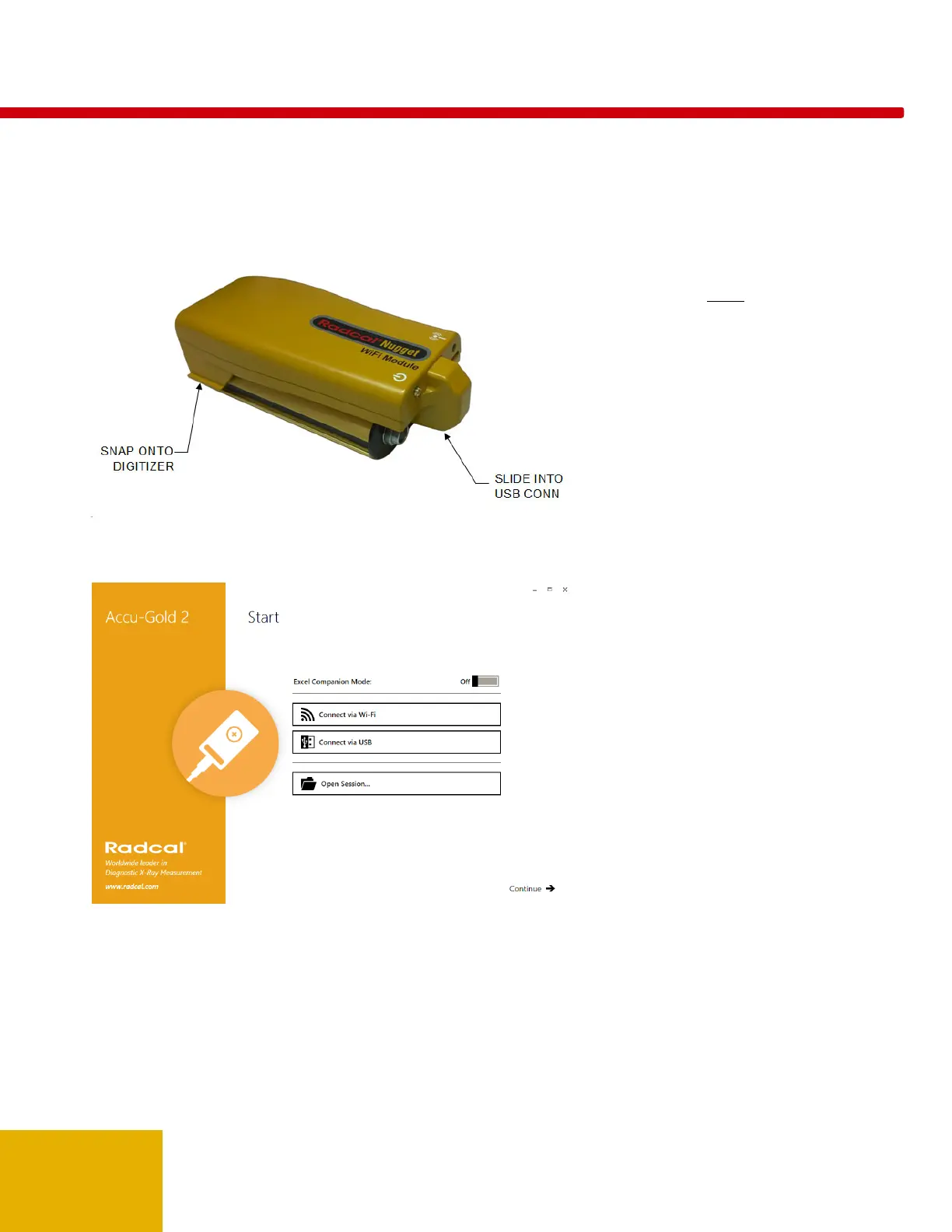
Snap the Nugget onto the digitizer module:
Align the USB connectors and slide the
Nugget all the way in. (To remove it, pull
out the connector first then unsnap it by
tilting it upward or sliding it off the end of
the digitizer.)
Plug in a multi-sensor, ion chamber or
dose diode.
Press the power button on the Nugget.
The power button will turn green. (If the
charger is plugged in, it will blink yellow.)
The Wi-Fi status light will turn on
displaying green and then orange. When
it blinks green, it is ready to connect.
Start the Accu-Gold 2 software.
Click on Connect via Wi-Fi. The software
will detect the presence of the Nugget and
connect to it automatically.
You are now ready to start.
Note that not all sensors, measurements
and modes of the Accu-Gold software are
available when using the Nugget. See
Appendix C and
Nugget Measurement
Feature Comparison
for a comparison
list.



 To Next Page
 Loading...