38
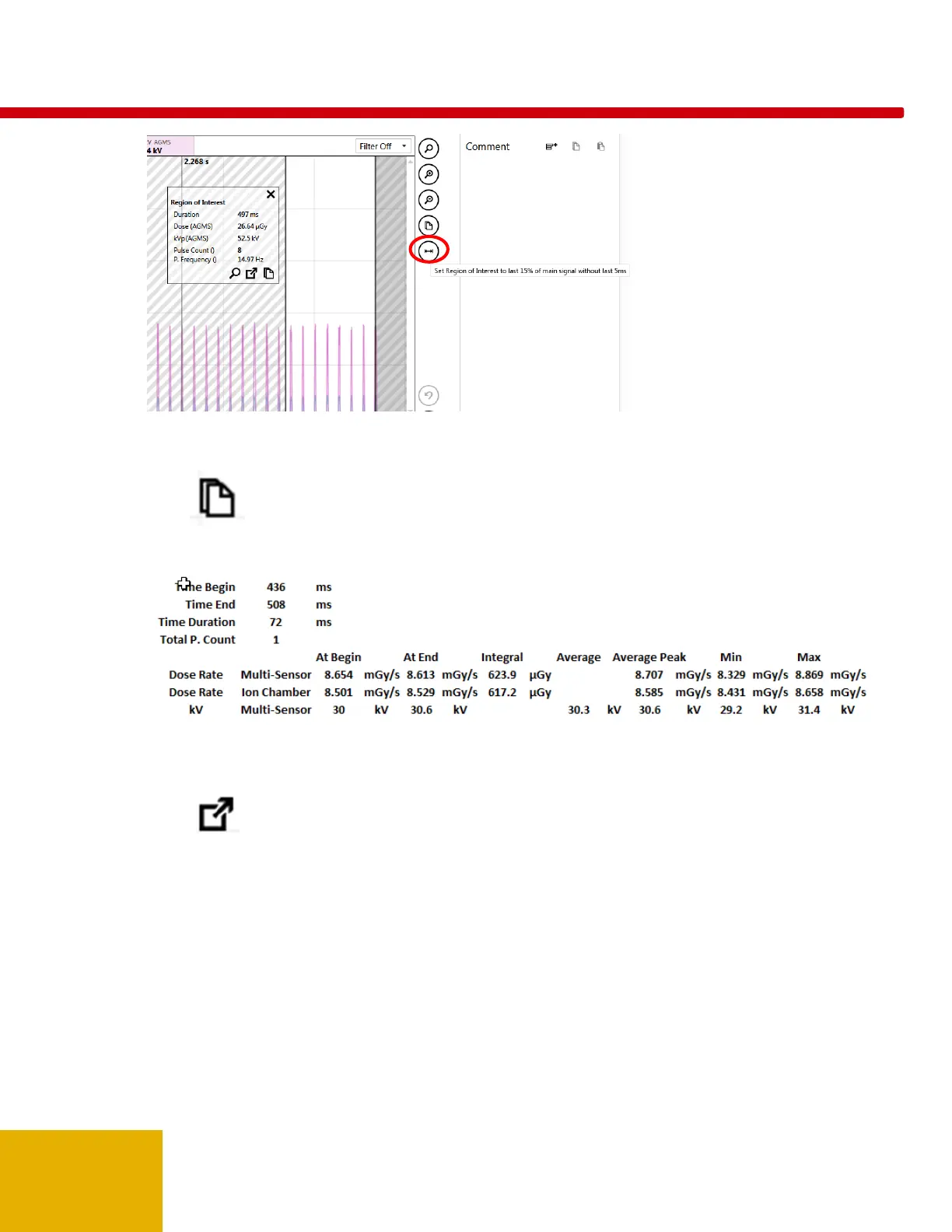
If the data contained in the ROI window does not provide all of the details needed for evaluation, clicking
on the icon in the ROI window will put all of the details on the clipboard. A simple “Paste” command
(CTRL-V), will put the text data in Excel or a text document. For the Example above:
When a region of interest has been selected, it is possible to non-destructively extract an ROI selection
and preserve it as a daughter of the original parent. Once an ROI has been identified and selected, click
on the icon. The screen will immediately change to the Measure view showing the extracted ROI
as a daughter of the original measurement. Using the case above, the result is:



 To Next Page
 Loading...