ESP-SMT Smart Modular Control System
23
N
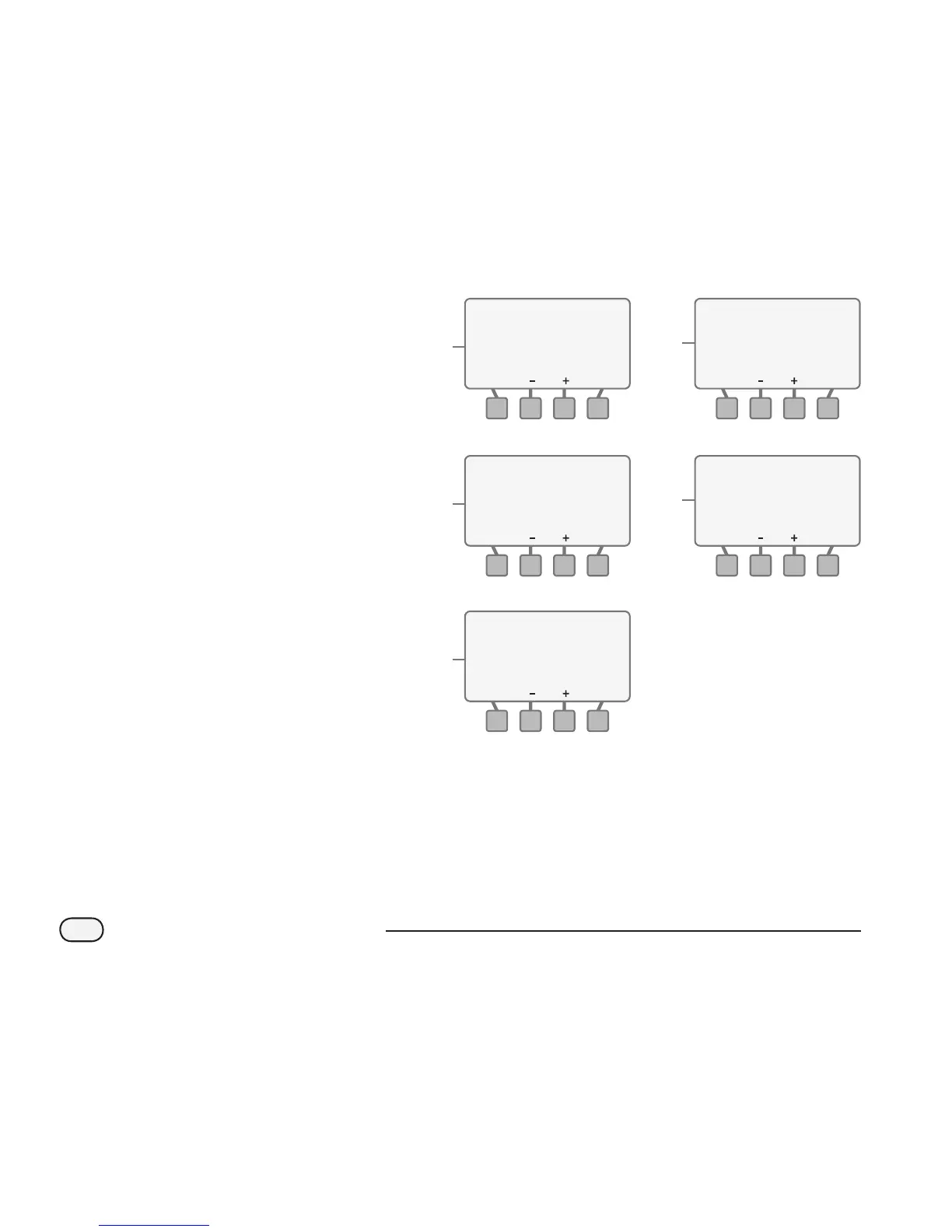
If Inline Grid is selected:
a. The Flow Rate value will blink. Use
the - or + button(s) to change the
Flow Rate to the desired value. Press
the NEXT button.
b. The Emitter Spacing value will blink.
Use the - or + button(s) to change
the value as desired. Press the NEXT
button.
c. The Row Spacing value will blink.
Use the - or + button(s) to change
to the desired value. Press the NEXT
button.
d. The Estimated Application Rate
screen will appear with the Adjust
Factor blinking. Use the - or +
button(s) to change to the desired
Adjust Factor value. Press the NEXT
button.
e. The CYCLE/SOAK screen will
appear.
N
Zone 11INLINE GRID
NEXTBACK
Flow Rate GPH0.90
Emitter Spacing in12
Row Spacing in12
N
Zone 11INLINE GRID
NEXTBACK
Flow Rate GPH0.90
Emitter Spacing in12
Row Spacing in12
N
Zone 11INLINE GRID
NEXTBACK
Flow Rate GPH0.90
Emitter Spacing in18
Row Spacing in12
N
INLINE GRID Zone 11
Est.Application
0.64 in/hr
Adjust Factor 95%
Net Application Rate:
Rate:
NEXTBACK
0.61 in/hr
e.b.
N
INLINE GRID Zone 11
Est.Application
0.64 in/hr
Adjust Factor 100%
Net Application Rate:
Rate:
NEXTBACK
0.64 in/hr
d.
c.
a.


 To Next Page
 Loading...