ESP-SMT Smart Modular Control System
24
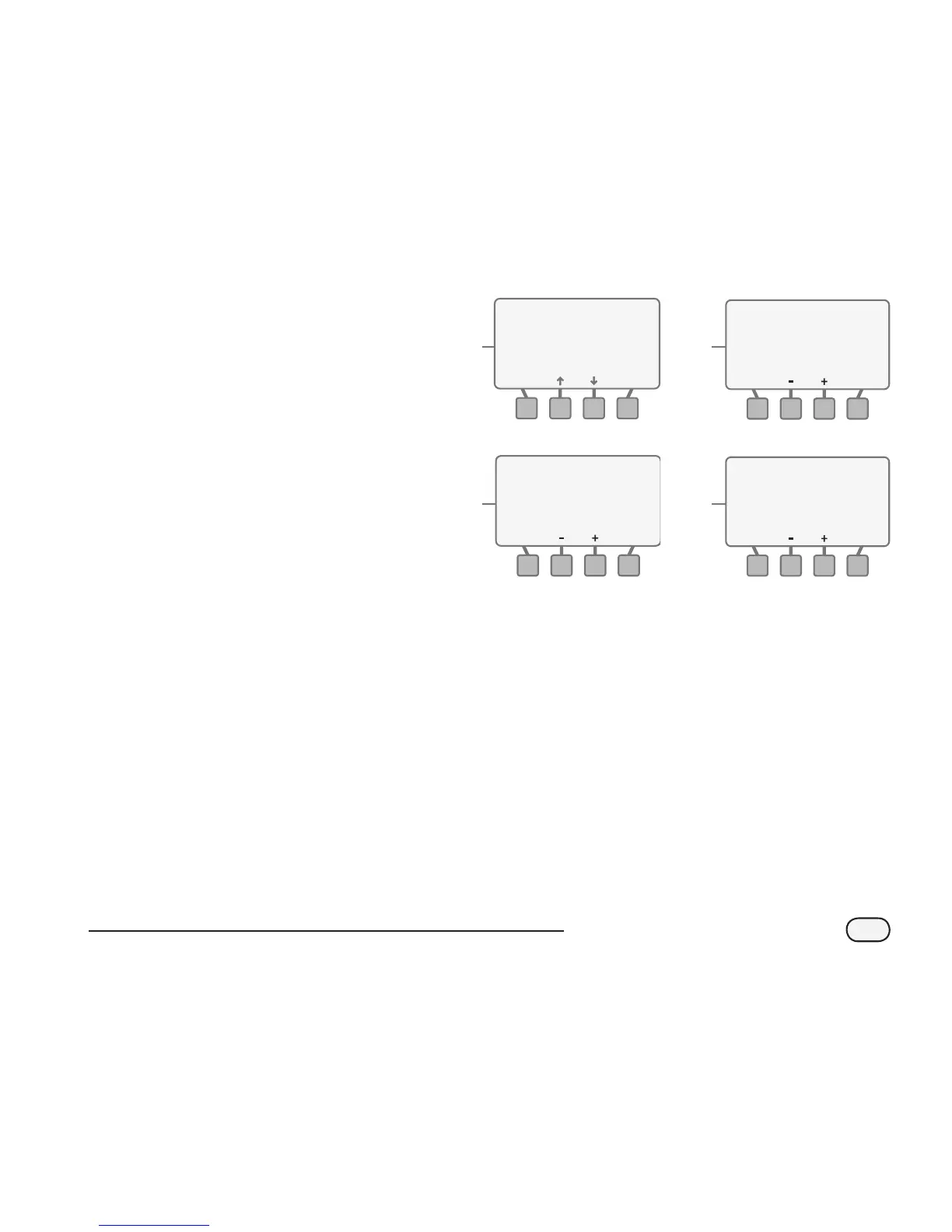
Select Time-Based Method
O
Press the up or down arrow
button(s) to navigate to the Time-
Based text and press the SELECT
button.
P
The TIME–BASED screen for the
selected zone will appear and the
Every XX Days value will be blinking.
Press the - or + button(s) to set the
desired number of calendar days
between irrigation schedules. Press
the NEXT button.
Q
The Water XXX Minutes value
will begin to blink. Press the - or +
button(s) to set the minutes for each
irrigation cycle. Press the NEXT
button.
R
The For X Times Per Day value will
begin to blink. Press the - or +
button(s) to set the desired number
of irrigation cycles per day. Press the
NEXT button.
!
NOTE: A typical application for
using the time-based method is
for 1) zones that irrigate potted
plants and 2) a zone that may be
used to fill a pool.
O
SPRINKLER TYPE Zone 1
Sprays Rotors
Bubblers
Rotary Nozzle
Drip
- OR -
Time-Based
SELECT
BACK
R
TIME-BASED
Odd Days:1,3,5,...no 31
Except Wednesday
Desired Every
Water For 8 Minutes
2 Days
3 Times Per Day
NEXTBACK
Zone 12
Q
TIME-BASED
Odd Days:1,3,5,...no 31
Except Wednesday
Desired Every
Water For 8 Minutes
2 Days
xx Times Per Day
NEXTBACK
Zone 12
P
TIME-BASED
Odd Days:1,3,5,...no 31
Except Wednesday
Desired Every
Water For xx Minutes
2 Days
xx Times Per Day
NEXTBACK
Zone 12


 To Next Page
 Loading...