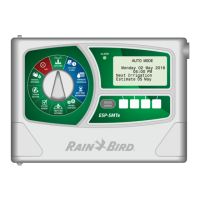
ESP-SMTe Controller
13
Cyclical
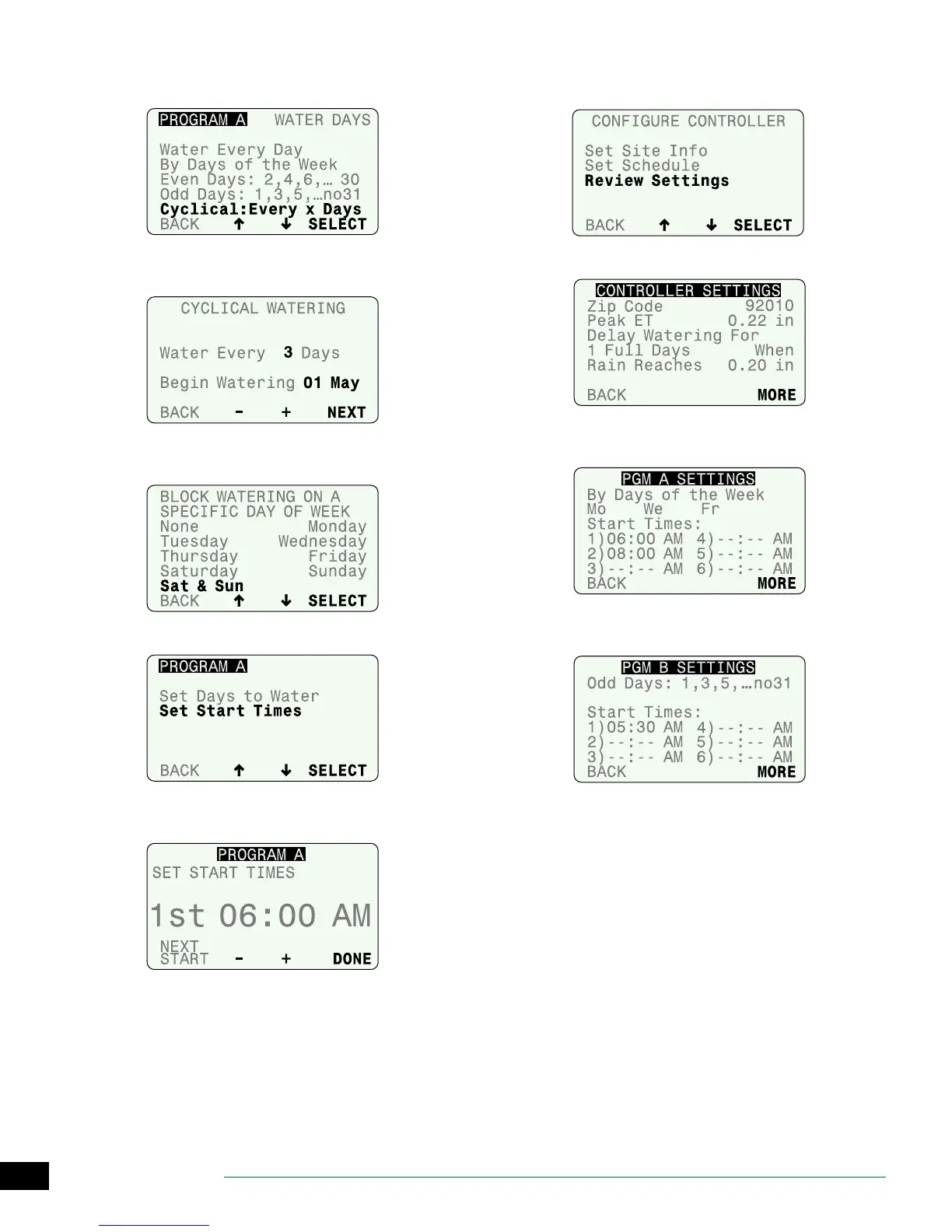
Water on a cycle of every 2 to 14 days.
A
Press
–
or
+
to set the irrigation cycle and the date to
begin the cycle; then press NEXT.
B
Select a desired day of the week (or none) to Block
Watering.
C
Select Set Start Times.
D
Set the rst Start Time; then press NEXT START to enter
additional times (up to 6 total), or, press DONE to nish.
REPEAT Steps 2 - 7 for Program B if necessary.
Review Settings
A
Select Review Settings.
.
B
Review the Site Info settings, then press MORE.
C
Review the Watering Day options and programmed
Start Times for Program A, then press MORE.
D
Review Watering Day options and programmed Start
Times for Program B, then press MORE.


 To Next Page