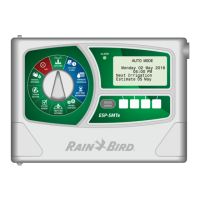
ESP-SMTe Controller
16
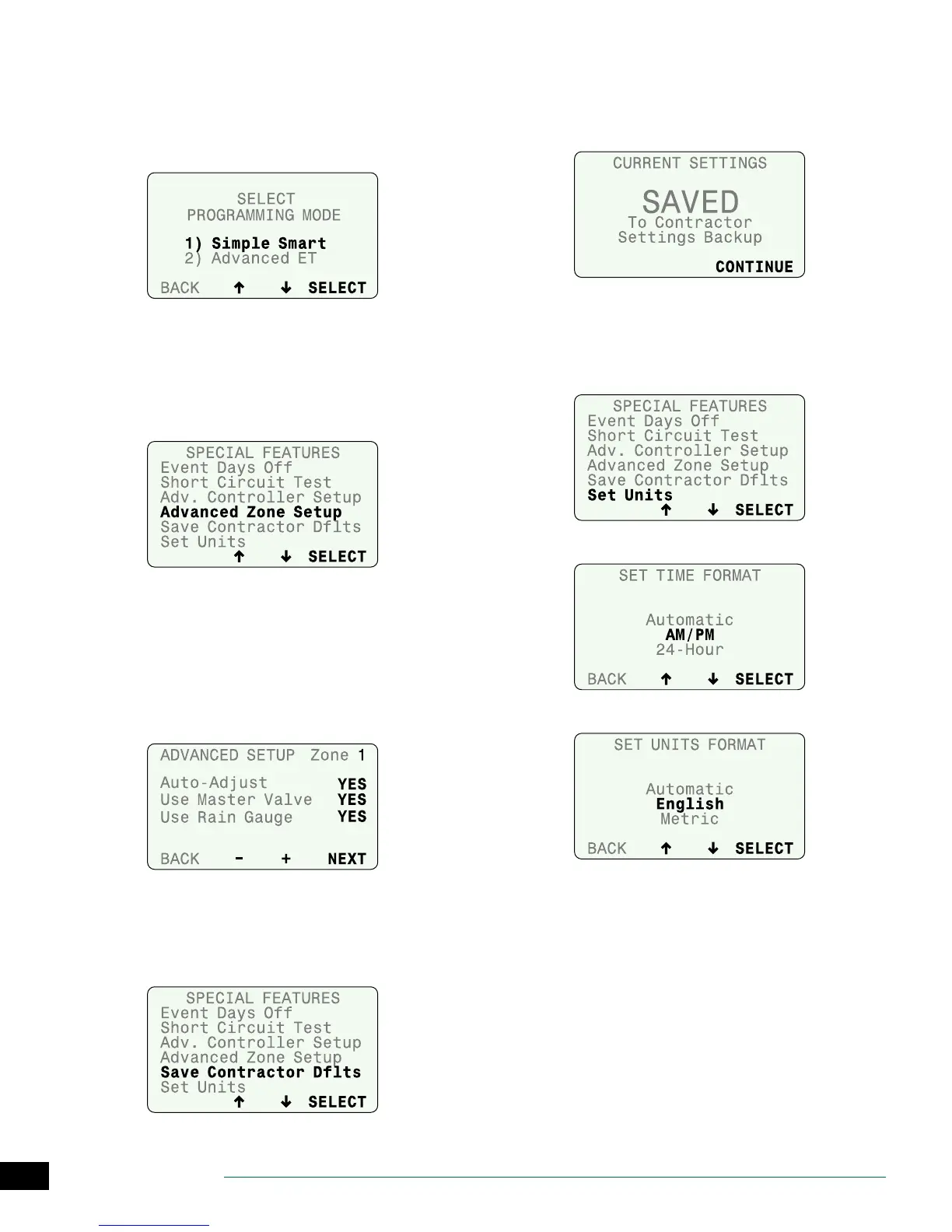
Select Programming Mode
After setting the Temp Below value on the Advanced Con-
troller Setup screen (and pressing NEXT), the option to
switch programming modes is displayed.
• Select the desired programming mode.
Advanced Zone Setup
Set each zone to use (or not to use) an installed master
valve, pump start relay, or the ESP-SMTe Rain Gauge.
A
Select Advanced Zone Setup.
B
Select the desired zone.
C
Select YES for Auto-Adjust to choose whether a zone’s
durations are adjusted due to weather.
D
Select YES if MV is energized when the selected zone
starts.
E
Select YES if the zone’s irrigation should be suspended
due to rain or not (e.g. plants under a covered patio).
Save Contractor Defaults
Save the current Congure Controller and Input Zone
Information settings for all zones to memory.
A
Select Save Contractor Dts.
B
Press SAVE to save zone and controller settings to
Contractor Defaults.
C
Read the Warning; then press SAVE.
D
Current Settings are saved; press CONTINUE.
Set Units
Set the Time format (AM/PM or 24-Hour) and Units format
(English or Metric) that is displayed by the controller.
A
Select Set Units.
B
Select the desired Time Format.
C
Select the desired Units Format.


 To Next Page