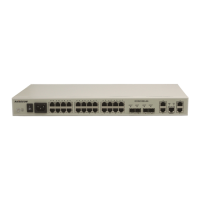
Figure 4-9 Connecting a PC to the MSG1200
Step 2 Configure the IP address of the PC. Click Start and then choose Control Panel. Double-click
Network Connections. Double-click Local Area Connection and a dialog box appears.
Click Properties and then select the Internet Protocol (ICP/IP) radio box. Double-click it and
a dialog box appears, as shown in Figure 4-10. Configure the IP address and the subnet mask
and then click OK.
By default, the IP address of the MSG1200 is set to 192.168.1.1. The IP address of
the PC must be at the same network segment (192.168.1.2–192.168.1.254) with the
default one of the MSG1200.
Figure 4-10 Configuring the IP address of the PC
Step 3 Confirm the connectivity between the PC and the MSG1200. . Click Start and then choose
Run. A dialog box appears, as shown in Figure 4-11. Enter the ping command and then click
OK. If a dialog box shown in Figure 4-12 appears, it indicates that the route between the PC
and the MSG1200 is reachable.



 To Next Page