TND
™
Tablet User Manual 2
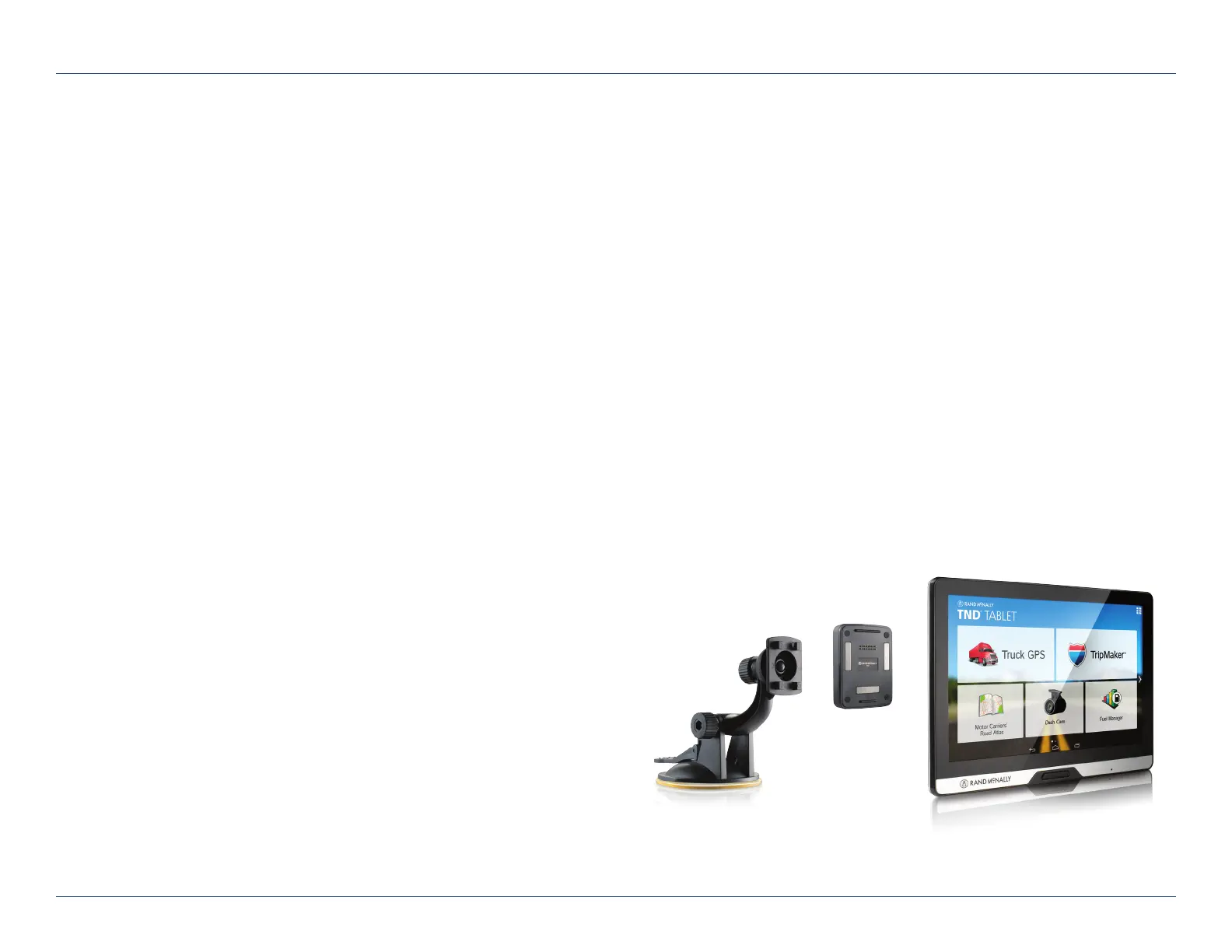
What’s Included
Rand McNally TND
™
Tablet
• Two-piece mount:
- Magnet with GPS boost
- Bracket with suction cup
• Quick Start Guide
• Anti-glare screen protector
• Vehicle charger
• Wall charger
• USB cable
1. Your Device
Install the Mount
Note: Follow all local regulations governing the placement of the mount.
1. Select an area with a line of sight to the sky and GPS satellites.
2. Clean and dry the mounting area.
3. Remove the suction cup protective film.
4. Attach the two pieces of the mount together.
5. Adjust the angle of the mount.
6. Pull the suction cup lever up to release suction.
7. Plug the power cord into the mount and the vehicle’s 12-volt
power source.
8. Place and hold the mount suction cup against the
mounting surface.
9. Press the suction cup lever down until it snaps into place.
10. Snap the tablet onto the mount.
11. Adjust the tablet so that it can be easily seen and does not
block the driver’s line of sight.
For Sales Information Please Contact
RoadTrucker Inc
(www.RoadTrucker.com)
8312 Sidbury Rd.
Wilmington, NC 28411
(800) 507-0482 / (910) 686-4281













 To Next Page