TND
™
Tablet User Manual 4
2. Getting Started
Connecting to Wi-Fi
When you first turn on your tablet, you’ll be asked to select a Wi-Fi
network to connect to the Internet. A Wi-Fi connection is required
to browse the web, download apps, and use Internet-enabled features
such as weather and traffic. Choose your wireless access point or
hotspot from the list and type in your password.
Note: If you skip this step, you will not be able to use all the features
of your tablet. The Truck GPS app, however, does not require a
Wi-Fi connection.
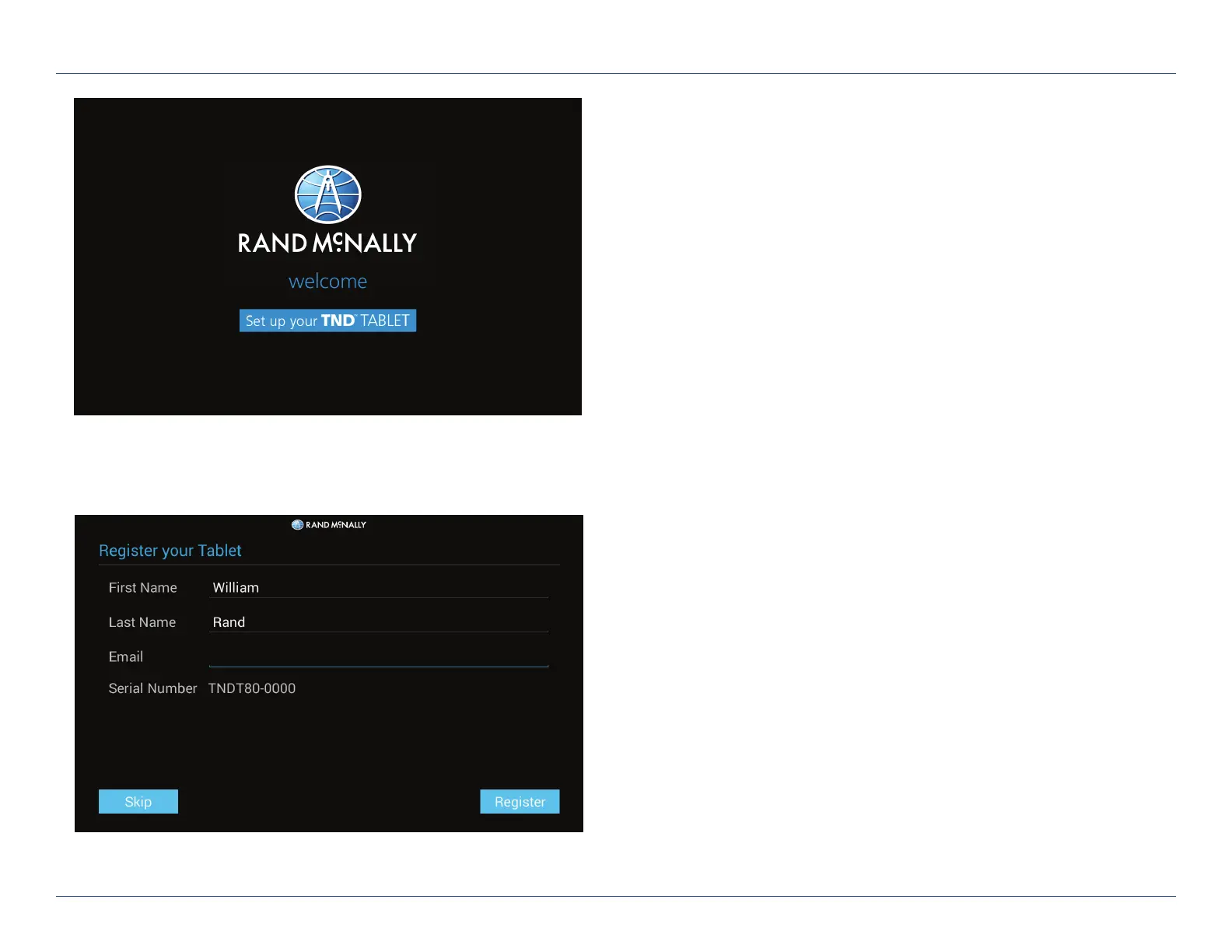
Registration
In the next step, you’ll be prompted to register your tablet with
Rand McNally. Your registration ensures that you have access to
the latest information and updates, as well as customer support.
For Sales Information Please Contact
RoadTrucker Inc
(www.RoadTrucker.com)
8312 Sidbury Rd.
Wilmington, NC 28411
(800) 507-0482 / (910) 686-4281













 To Next Page