TND
™
Tablet User Manual 6
2. Getting Started
Settings
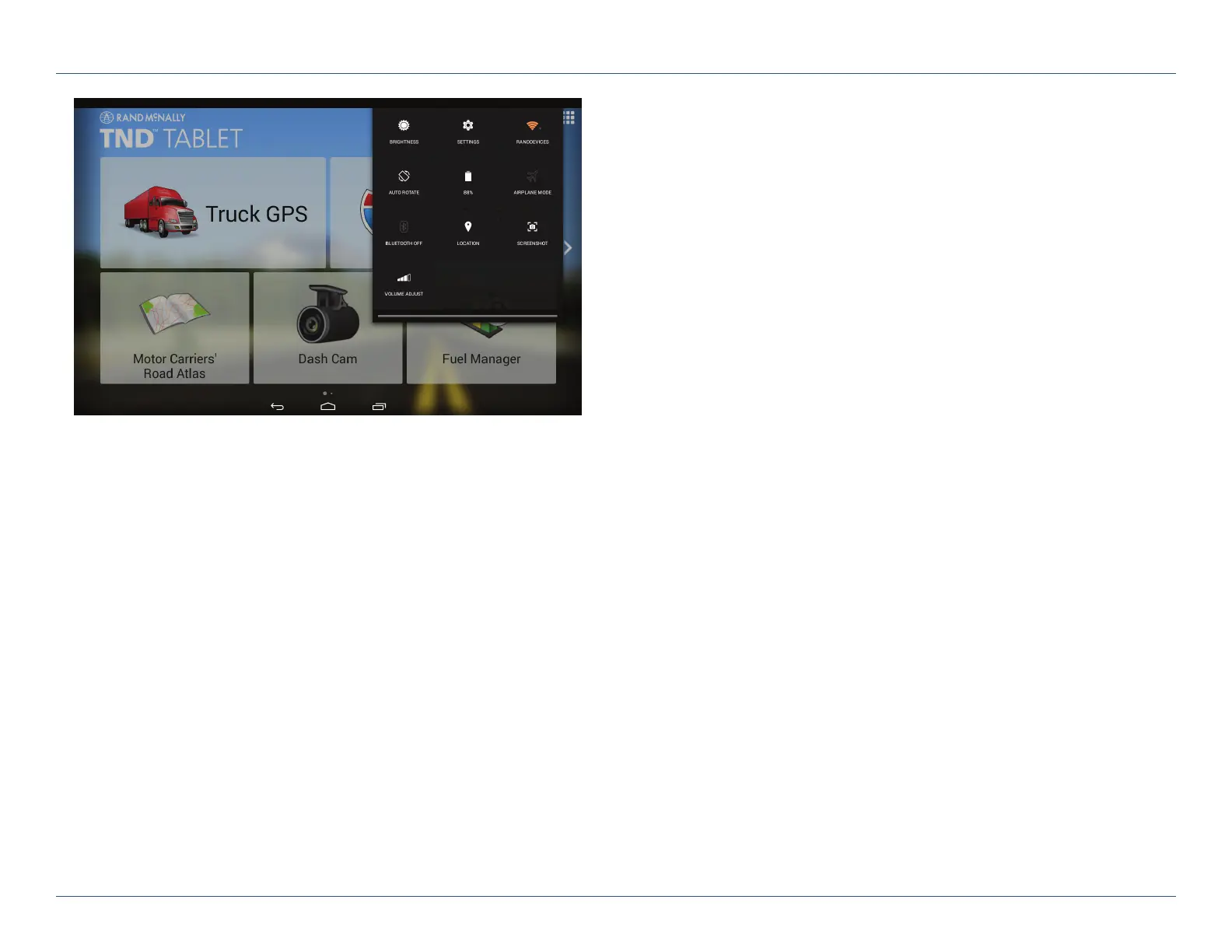
Swipe down from the right to view quick settings:
• Brightness
• Wi-Fi – Shows available networks
• Auto-rotation – Controls whether the screen rotates
when you rotate the tablet
• Battery power
• Airplane mode – Turns off Wi-Fi and data transmission
• Bluetooth – Pairs other devices
• Location – Set mode (high accuracy recommended)
• Screenshot – Saves an image of the current screen
• Volume
For Sales Information Please Contact
RoadTrucker Inc
(www.RoadTrucker.com)
8312 Sidbury Rd.
Wilmington, NC 28411
(800) 507-0482 / (910) 686-4281













 To Next Page