CHAPTER 8
50 Raven RS1™ and RS Lite™ Calibration and Operation Manual
4. Enter the feature unlock code and press Send.
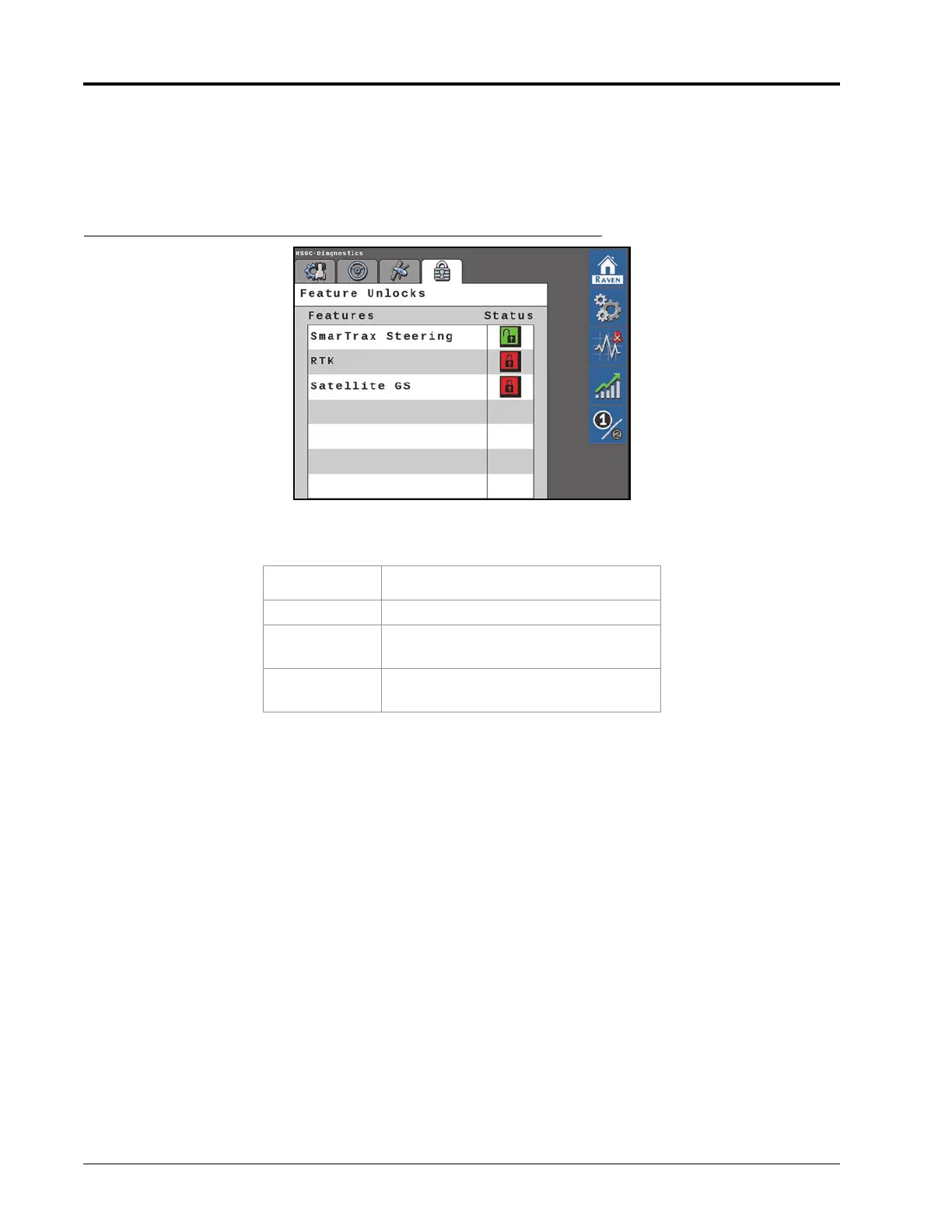
NOTE: A message will appear indicating whether or not the unlock code that was entered is valid. If the code
is valid, the padlock icon next to the feature will turn green and indicate that it is unlocked as shown in
Figure 3 on page 50.
FIGURE 3. Feature Unlocked
TABLE 1. Unlock Status
Color Status
Red Locked
Yellow
Unlocked. A subscription is required to
activate and use the feature.
Green
Unlocked. If a subscription is required,
an active subscription is detected.








 To Next Page