CHAPTER 11
84 Raven RS1™ and RS Lite™ Calibration and Operation Manual
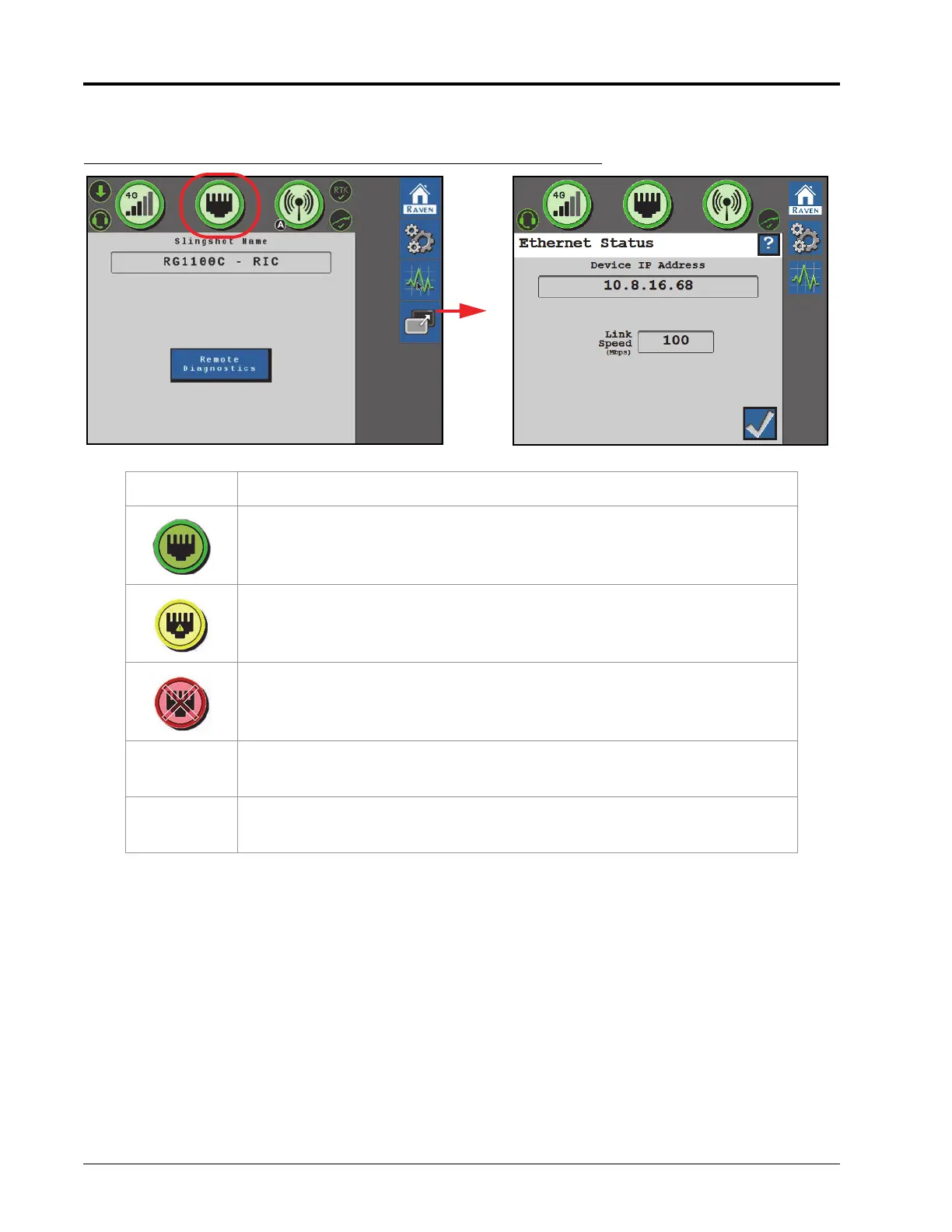
ETHERNET STATUS
FIGURE 3. Ethernet Status Page
Display Message
Indicates that a valid connection has been established between the RS1 and a
field computer or field hub.
No Ethernet connection has been made or the RS1 does not recognize that an
Ethernet has been made.
Ethernet device failure. Contact Raven for support.
Device IP
Address
Displays the IP Address the RS1 will broadcast to a connected device.
Link Speed The speed data can pass from the RS1 to the devices it is connected to.









 To Next Page