
 To Next Page
M
Meagan ParksNov 16, 2025
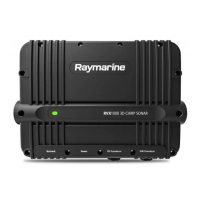
Why is the scrolling image not being displayed on my Raymarine RVX1000?
- MMartin DonaldsonNov 16, 2025
If the scrolling image is not being displayed on your Raymarine Sonar, ensure that the Ping is enabled in the Sonar app’s sounder tab by navigating to Menu > Settings > Sounder > Ping. Also, verify that the correct transducer is selected in the Sonar app’s Transducer tab: Menu > Settings > Transducer. Damaged cables can also cause this issue; check the transducer cable connector, power supply cable, and battery connections for damage, corrosion, or loose connections. A damaged or fouled transducer can also cause this problem; inspect it for damage and debris. Ensure the transducer is compatible with your system by checking the product and transducer documentation. If you're using an external sonar module, check the SeaTalkhs / RayNet network connections and ensure all Raymarine products ha...
 General