RT-7600S Auto Hematology Analyzer User’s Manual
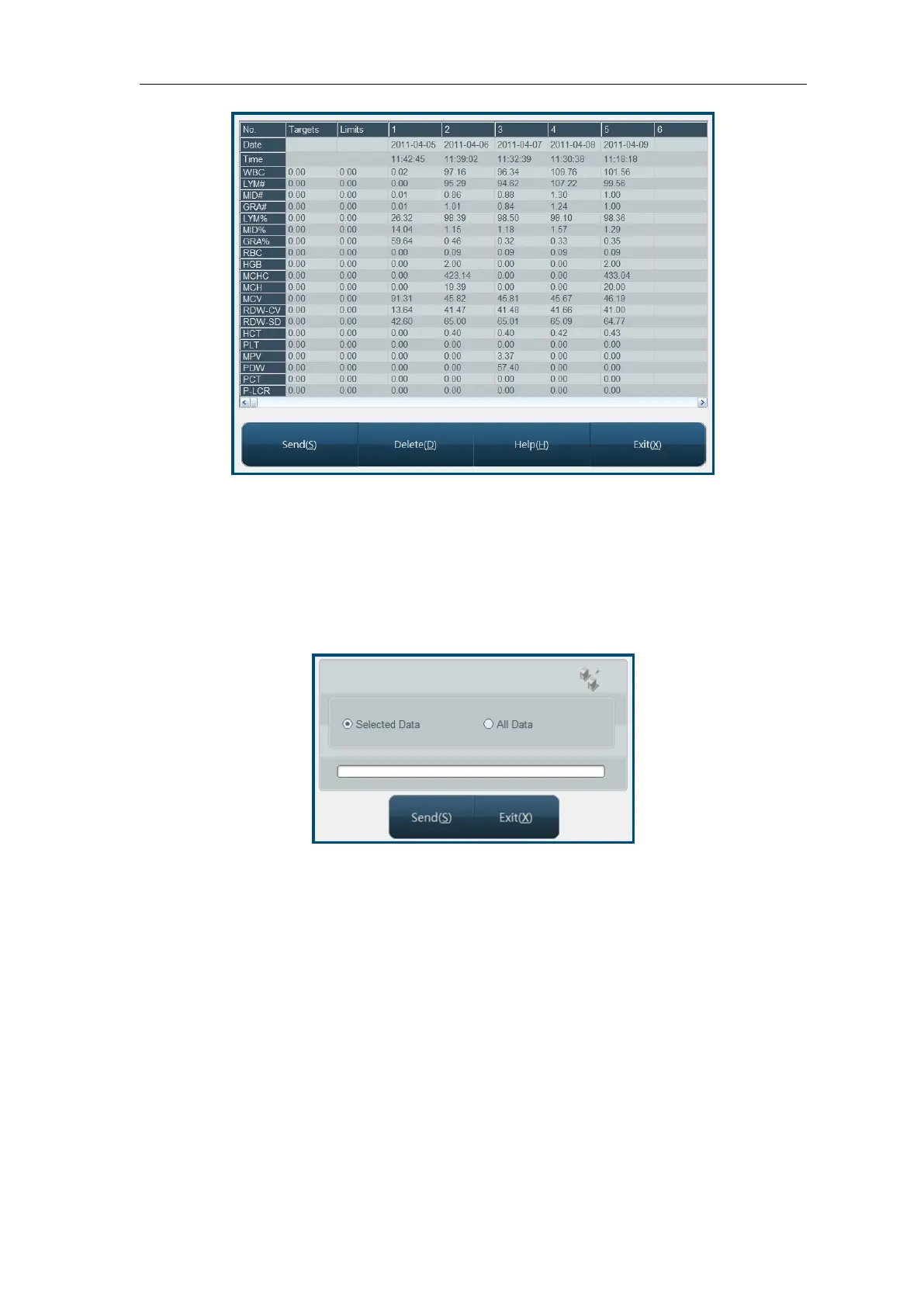
Fig.4-4 L-J QC list
The instrument will display 20-parameters QC result, if some parameters are not controlled,
the corresponding column shall be blank.
Send function can transfer part or all of the L-J QC data to external equipment. Use mouse to
click list column, select one group of QC data. Using keyboard Ctrl key or Shift key, multiple
columns can be selected. You can send all data, click “Send” button, open transfer dialog box
as follows:
Fig.4-5 L-J data transfer
Select data to be submitted, click “Send”.
Click “Delete” button, then delete confirmation dialog box pops up, after confirmed, you can
delete part of or all QC data. Selection method of part of data is the same as data transfer.
4.1.4 L-J QC chart
QC chart displays QC data distribution in graphs, to facilitate understanding of instrument
deviation trend. In main screen, select QC file, open QC chart screen, as follows:



 To Next Page