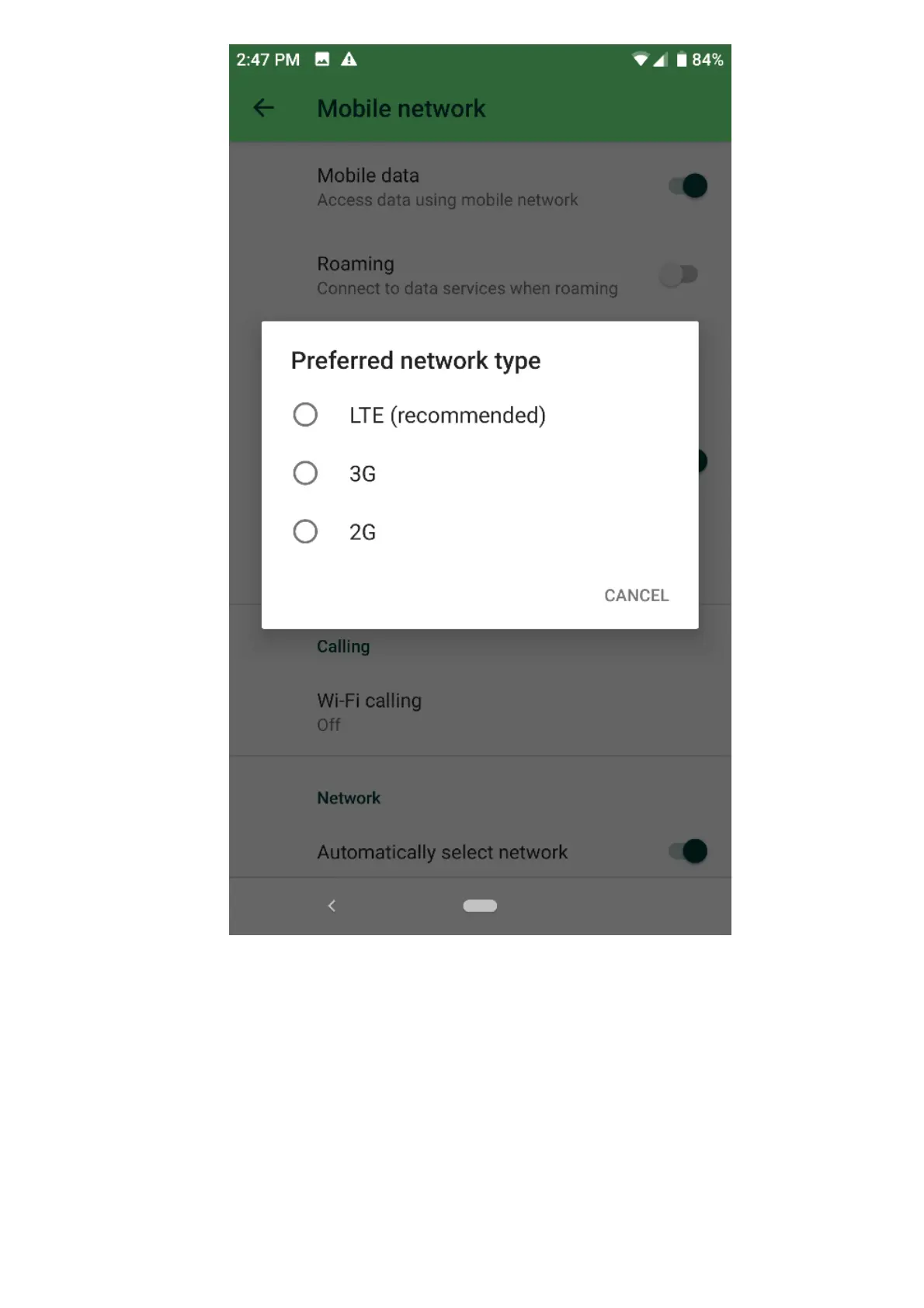
Note: By choosing “LTE (recommended)”, the phone will automatically select the network type
depending on the data coverage of your location.
Reset Mobile Network settings
Note: Resetting the mobile network will not erase the user data, only the WiFi and Bluetooth saved
settings and profiles.
1. Navigate to Settings > System > Advanced > Reset options.
2. Tap on “Reset WiFi, mobile, & Bluetooth”.
3. On the bottom part of the screen, tap on “Reset Settings”.
If the above steps did not resolve the issue, test the Razer Phone 2 with another SIM card to see if the
issue is within the Razer Phone.
The following steps are advanced troubleshooting steps.



 To Next Page