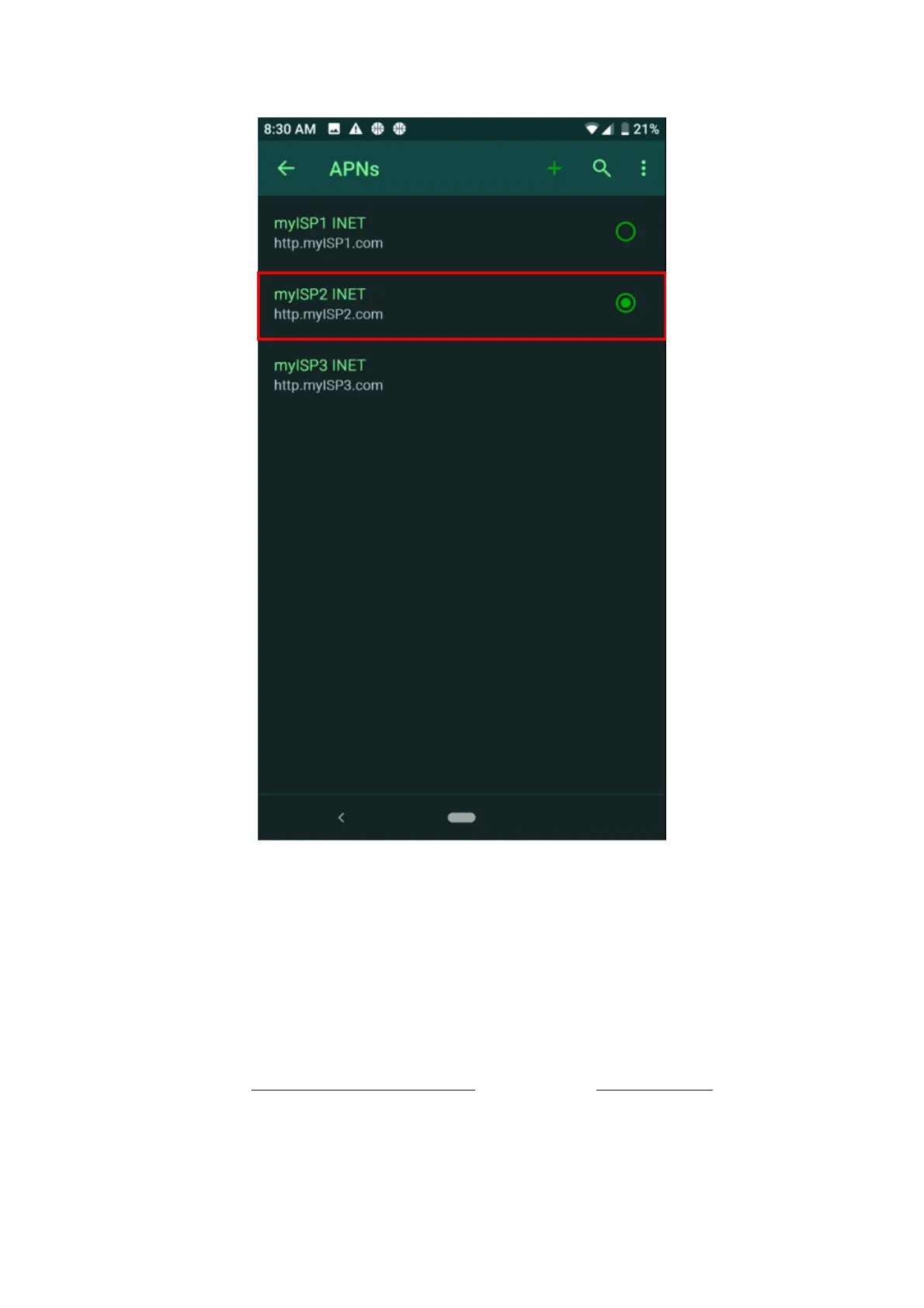
Check your Carrier if the APN settings are correct
1. Navigate to Settings > Network & internet > Mobile Network > Advanced > Access Point Names.
1. Tap on the currently selected APN.
2. Enter Your APN Settings Manually
You can contact our Technical Support team for assistance when doing the following steps.
Note: Be sure that the “Mobile data” is disabled and the “Mobile data limit” is enabled.
3. Navigate to Settings > Network & internet > Mobile Network > Advanced > Access Point Names.
4. Tap the “+” icon on the top right corner.
5. Set “APN protocol to “IPv4/IPv6”.
6. Enter all the APN details for your network and save.
7. If the issue persists, back up your phone data and perform a factory reset.
8. Scroll down until you see “APN protocol”, tap it.



 To Next Page