LIFTLOG 1000 – INSTALLATION AND CALIBRATION
32
3.4.2 Calibration Factors
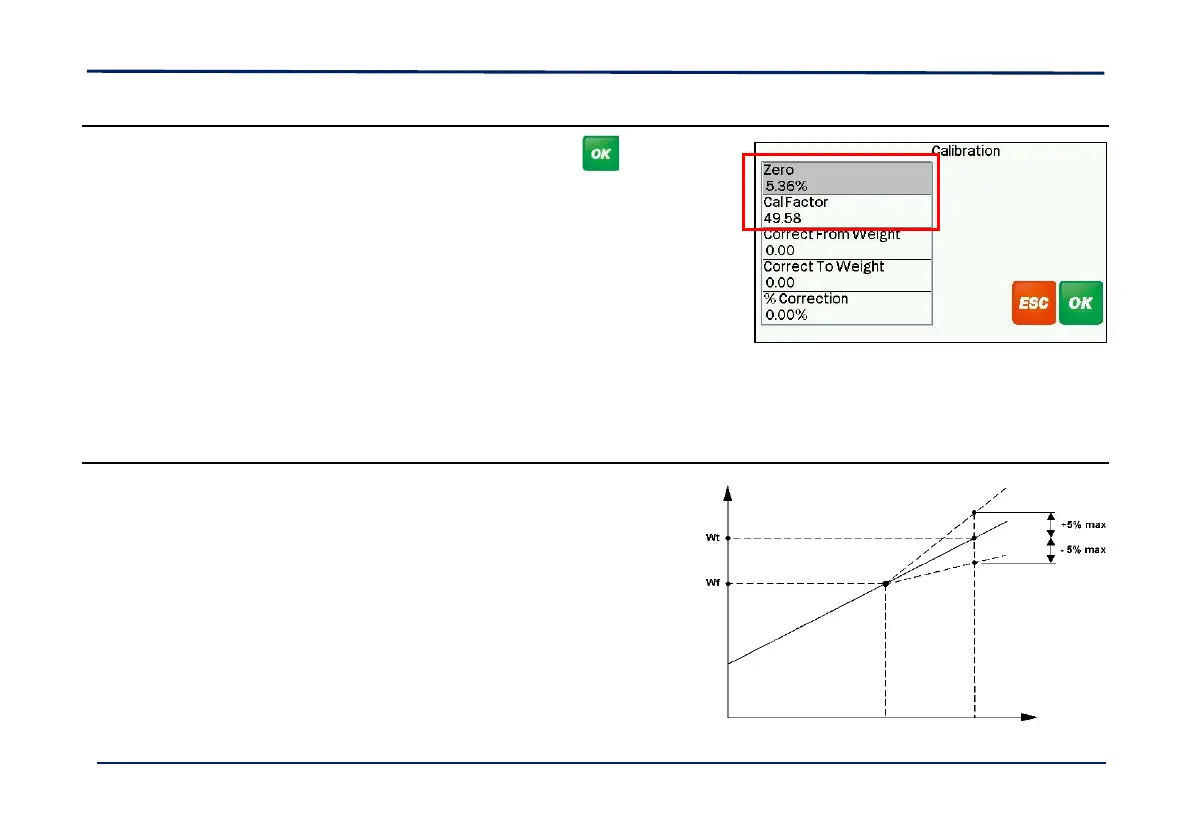
1. From the “Calibration“ screen, select ‘Manual’ and press .
‘Zero’ This value is the % of full pressure at zero weight.
‘Cal Factor’ This value enables the calculation of weight
from the % pressure.
This figure can be manually edited if the displayed weight differs from the
actual weight.
For example: If the displayed weight is 1% more than the actual weight,
then reduce the cal. factor by 1% and vice versa.
However, if enabled via the “Sensor Setup” screen, it is recommended to use the “Nudge” function instead (ref. Operation
manual).
3.4.3 Linear Compensation Factors
Normally there is a linear relationship in the calculation of weight
from the sensor signal. However, the relationship can become
non-linear above a certain weight threshhold.
If it is found that the weighing accuracy gets progressively worse
above a certain weight, then you can enter a correction factor to
compensate for the error.
It is a process of trial and error to establish a suitable factor (+/-
%).



 To Next Page
 Loading...