RealMan (Beijing) Intelligent Technology Co., Ltd.
31
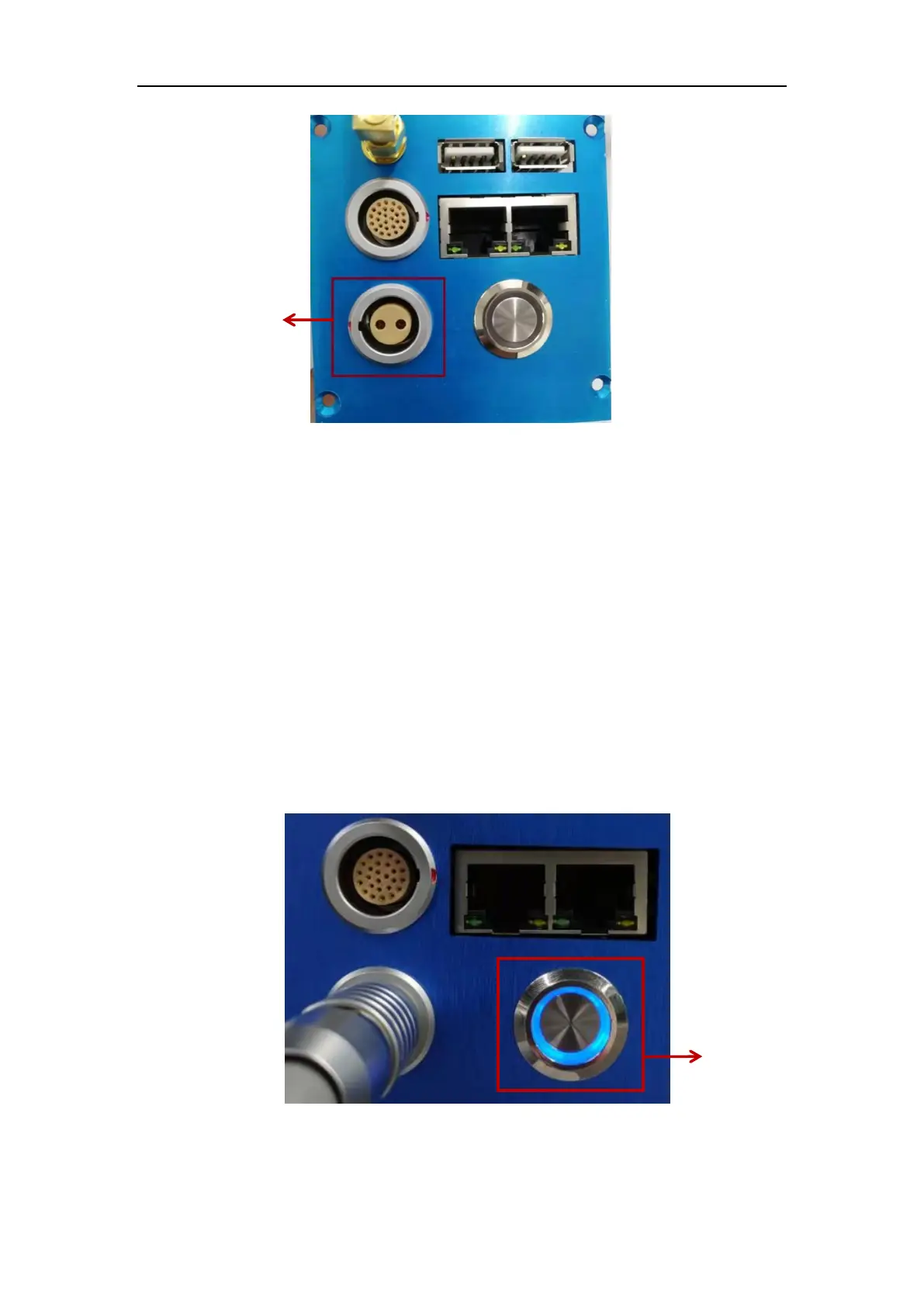
Fig. 7-1 Robot power socket.
7.2 Power On
➢ Connect the power cable to the power socket.
➢ Check that the controller power switch is in the closed status when it is not
connected.
➢ Ensure that the robot does not bump into nearby people or equipment.
➢ Make sure the power cable is connected to a 24V DC power supply.
➢ Press the power button. The power indicate light turns blue, and wait for about
25s. When the controller buzzer sound stops, the initialization of the controller
system of the robot arm is completed.
Fig. 7-2 Robot power button.
7.3 Power Off



 To Next Page