RealMan (Beijing) Intelligent Technology Co., Ltd.
40
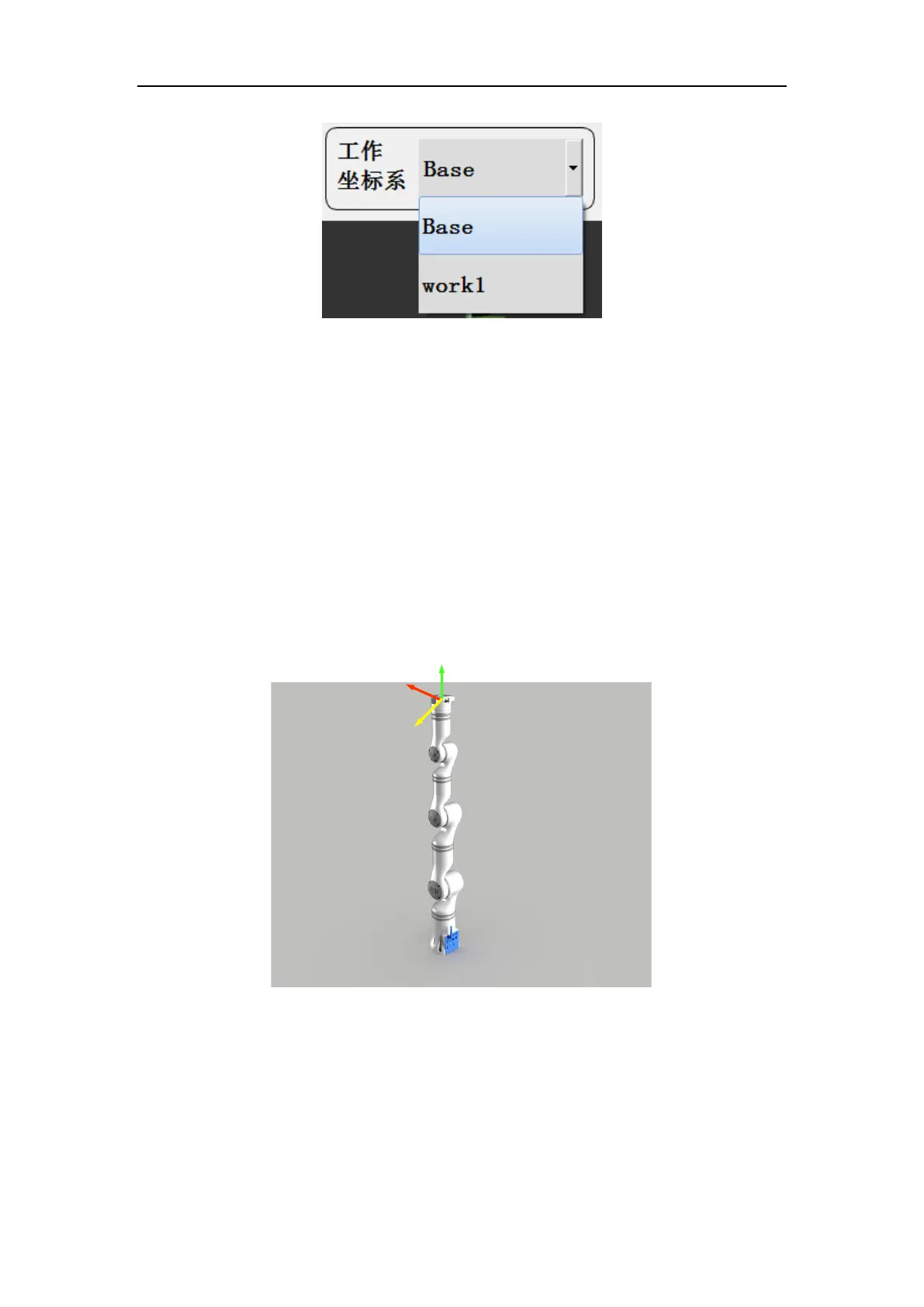
Fig. 8-16 Operation coordinate system selection demo.
(Suppose work1 is a customized coordinate system.)
8.2.10 Tool Coordinate System Selection
The tool end or tool coordinate system can be selected through the drop-down menu
and select the coordinate system of the flange center (by default, see Fig. 8-17). Users
can also set customized tool coordinate systems. Assuming that tool1 is the tool
coordinate system set by the user (see Section 8.4.2.2 for the method of setting the robot
arm tool coordinate system), the tool coordinate system can be switched after the setting
is completed, as shown in Fig. 8- 18.
Fig. 8-17 The coordinate system of the flange center at the robot arm end.



 To Next Page