RealMan (Beijing) Intelligent Technology Co., Ltd.
55
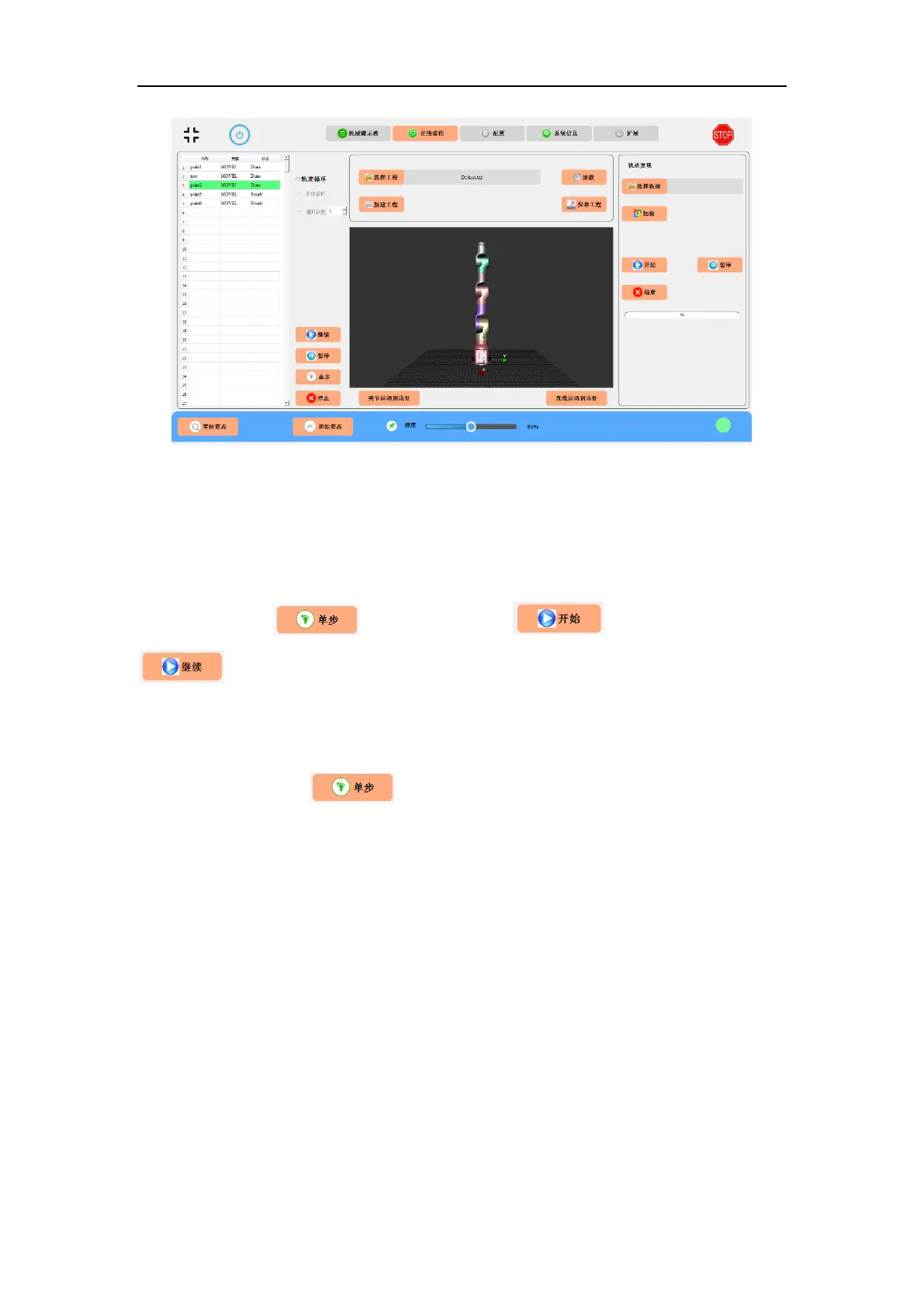
Fig. 8-37 Automatic trajectory tracking.
8.3.19 Step-by-Step Trajectory Tracking
Online programmable points can be run step by step. The user selects the start point of
the trajectory at the left status area, and the background color turns to green. Then, the
user clicks the button, and the button changes to a
button (with the pause function to complete the trajectory recovery). In
step-by-step mode, the trajectory progresses one point by one point. Only after
completing a certain trajectory between points, the next trajectory command can be
issued by clicking the button again.



 To Next Page