RealMan (Beijing) Intelligent Technology Co., Ltd.
72
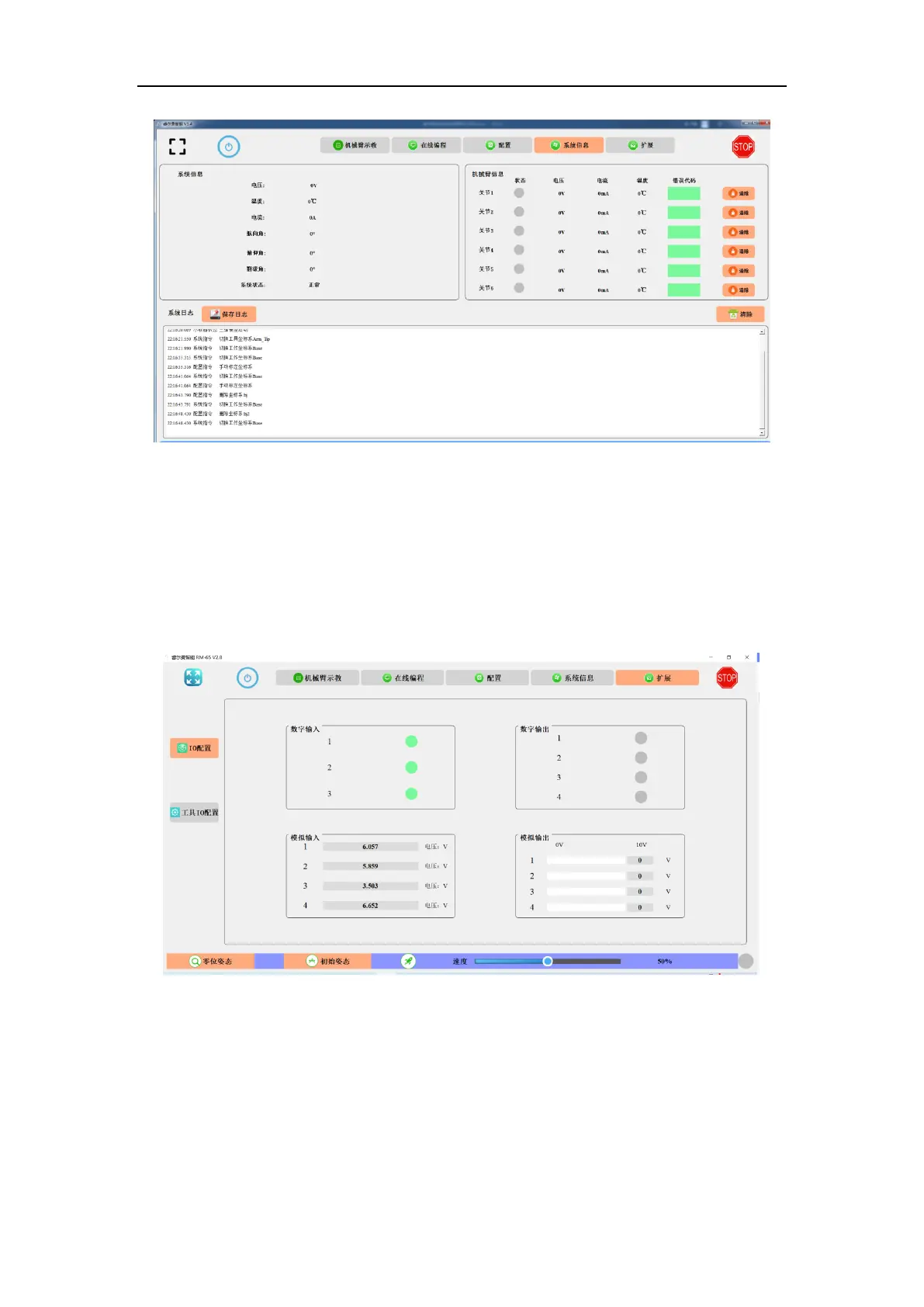
Fig. 8-58 The system information.
8.6 Extension
8.6.1 I/O Configuration
IO status and IO configuration can be shown in the IO interface of the teaching software,
as shown in the figure below.
Fig. 8-59 The I/O configuration interface.
Digital Input: This section displays the status of digital IO inputs, with gray circles
representing low inputs and green circles representing high inputs.
Digital output: This part is to configure digital IO outputs. Press the button and the color



 To Next Page