RealMan (Beijing) Intelligent Technology Co., Ltd.
34
(3) Double-click the shortcut generated on the desktop to run the teaching software
interface. The teaching software shortcut is shown as follows.
Fig. 8-5 The shortcut of the teaching software.
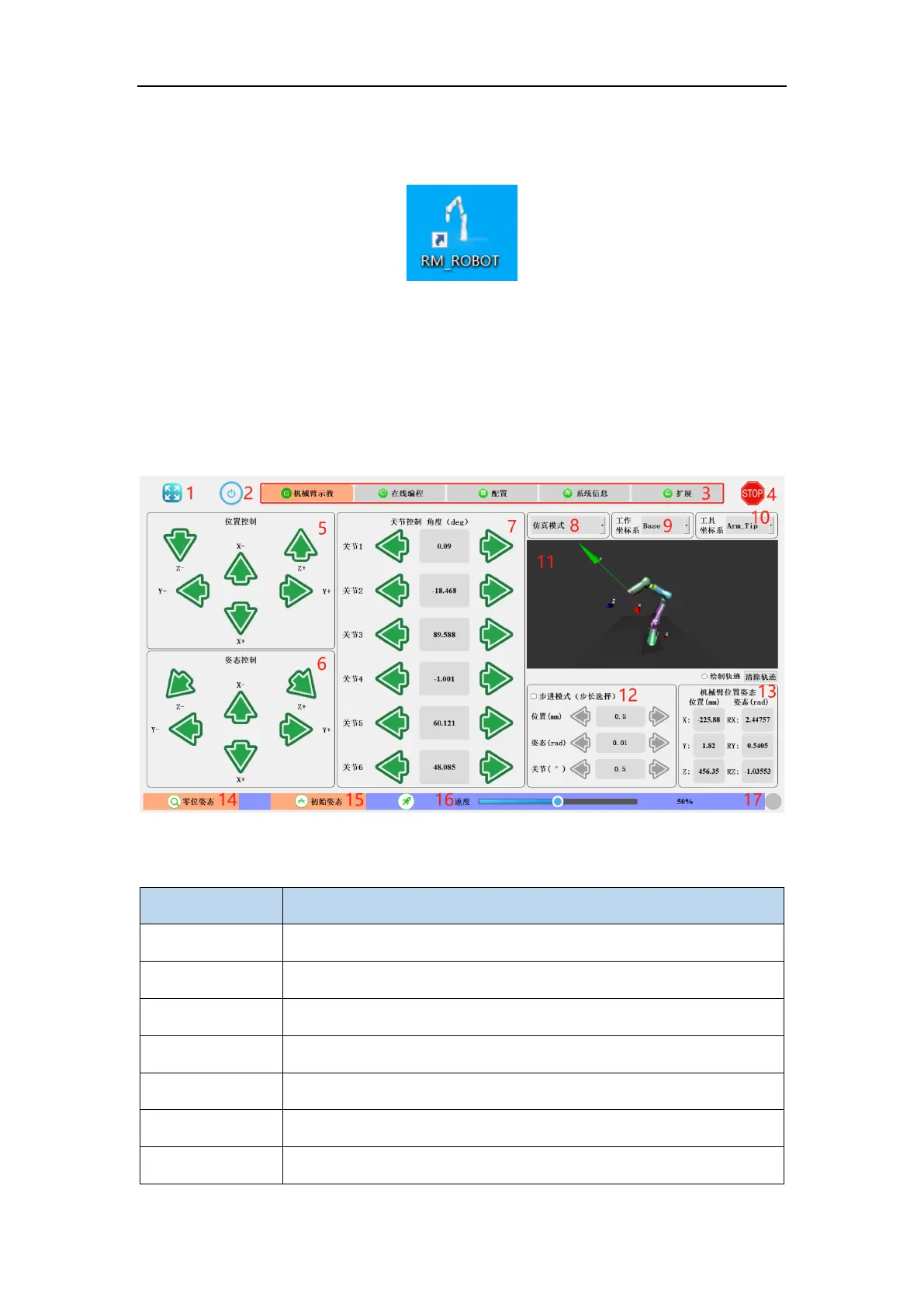
8.2 Robot Teaching
The teaching panel is used for robot teaching operation. Users can move the robot joints
by clicking on the icon on the panel. This panel also demonstrates the information about
the robot's movements to the user.
Fig. 8-6 The robot teaching software panel.
Table 5 Name of each functional block in the robot teaching panel.



 To Next Page