The blocks/keys are described as follows in the order shown in Table 6.
8.3.1 Project Selection
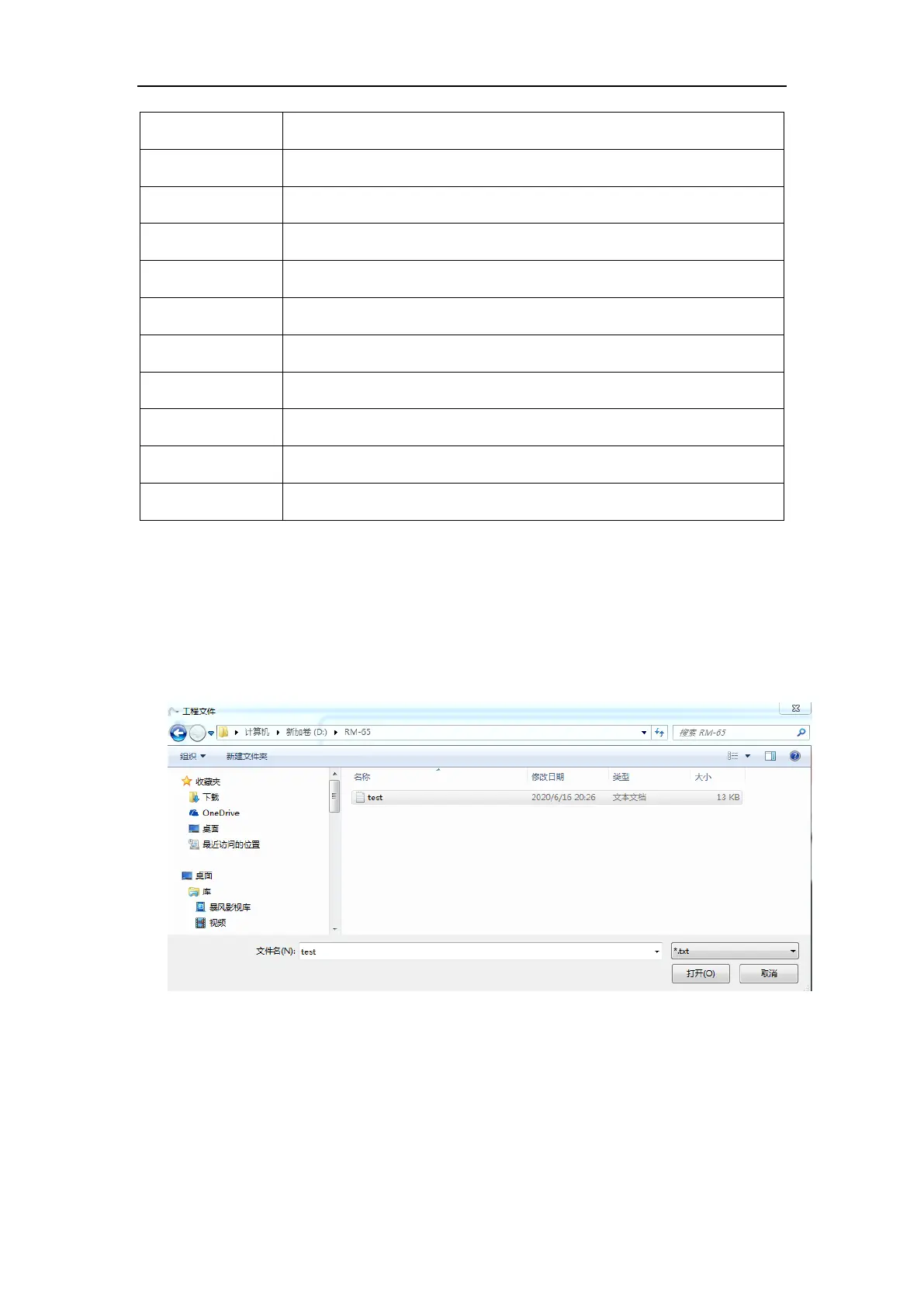
For the created project, click the “Select Project” button, then select the project path
and click “Open”, and the file will be displayed in the text box on the right side. The
project file suffix is .txt. For example, select a file named “test.txt” in a demo.
Fig. 8-25 A project selection demo.
8.3.2 Project Load
After selecting the project path, click the “Load” button, and the programmable action
in the project will be automatically loaded into the table on the left, and then the
programmable points in the project can be operated.



 To Next Page