RealMan (Beijing) Intelligent Technology Co., Ltd.
52
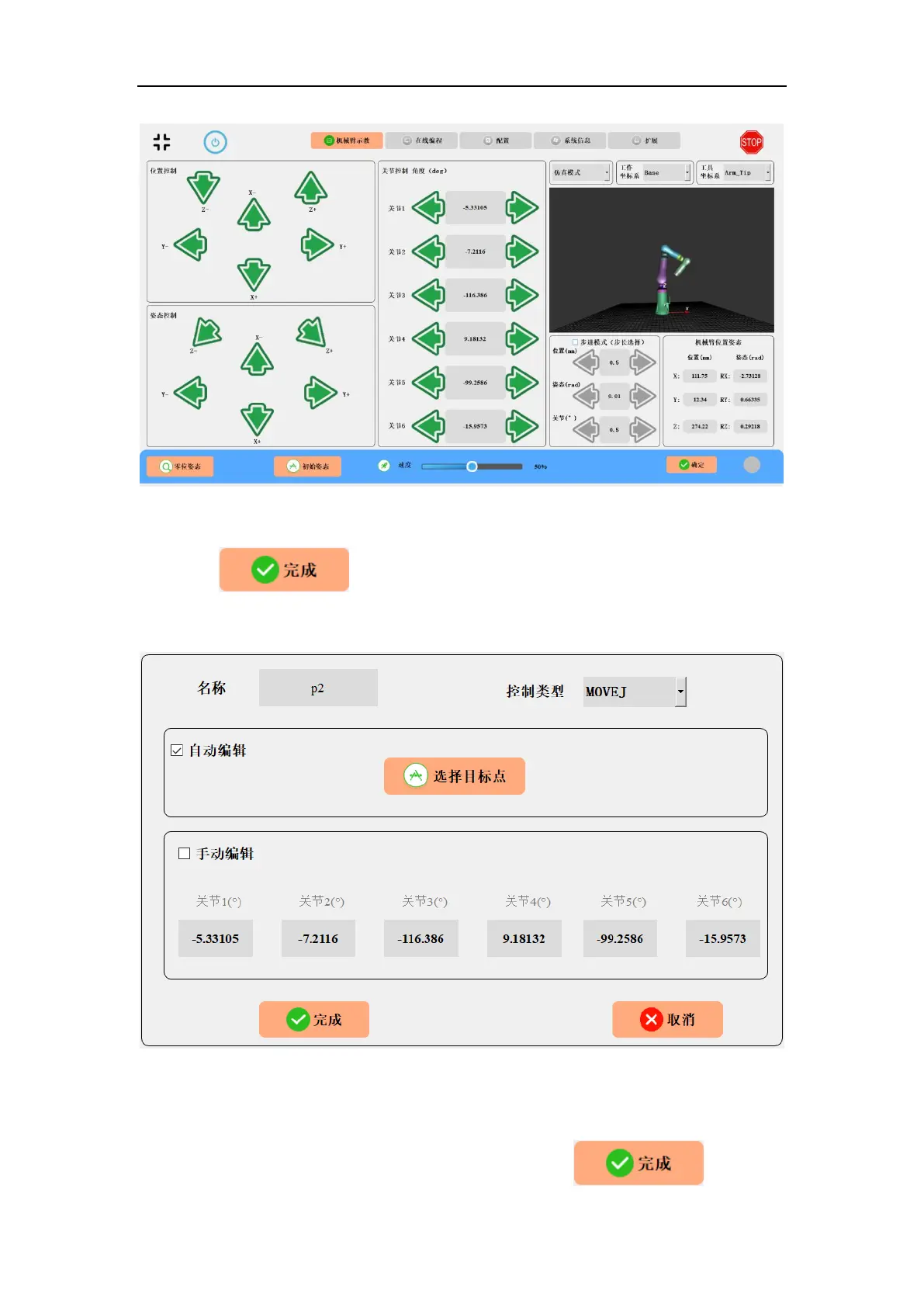
Fig. 8-33 Re-teaching a programmable point.
Click the button to record the position of the re-taught point and
complete the point editing.
Fig. 8-34 Updating a programmable point.
With the final point parameters known, you can check “Manual Edit”, enter the final
position of the 6 joint corners manually, and click the button to



 To Next Page