RealMan (Beijing) Intelligent Technology Co., Ltd.
58
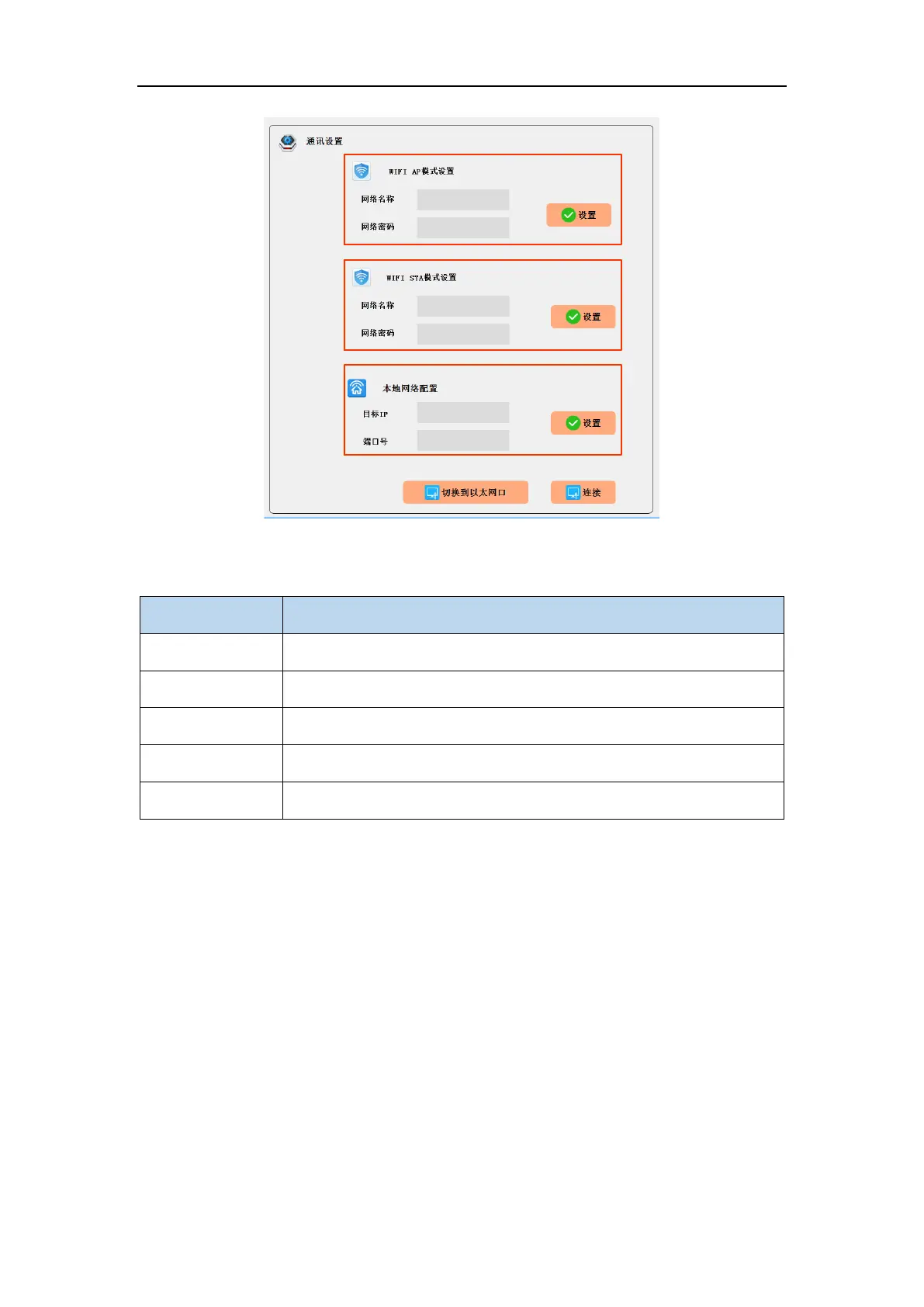
Fig. 8-40 The system configuration interface.
Table 7 The system configuration content.
8.4.1.1 WIFI AP Configuration
The controller can switch to WIFI AP mode for external communication. The network
name is the WIFI name of the controller, and the network password is the password of
the controller’s WIFI. After clicking the “Set” button, the controller will conduct
network configuration according to the content, and communicate with the controller
in WIFI AP mode immediately after the configuration. In this mode, the IP of the
controller is 192.168.1.18, the communication port number is 8080, and the
communication is in Server mode.
In the initial state, the communication mode of the controller is WIFI AP mode with its



 To Next Page