RealMan (Beijing) Intelligent Technology Co., Ltd.
65
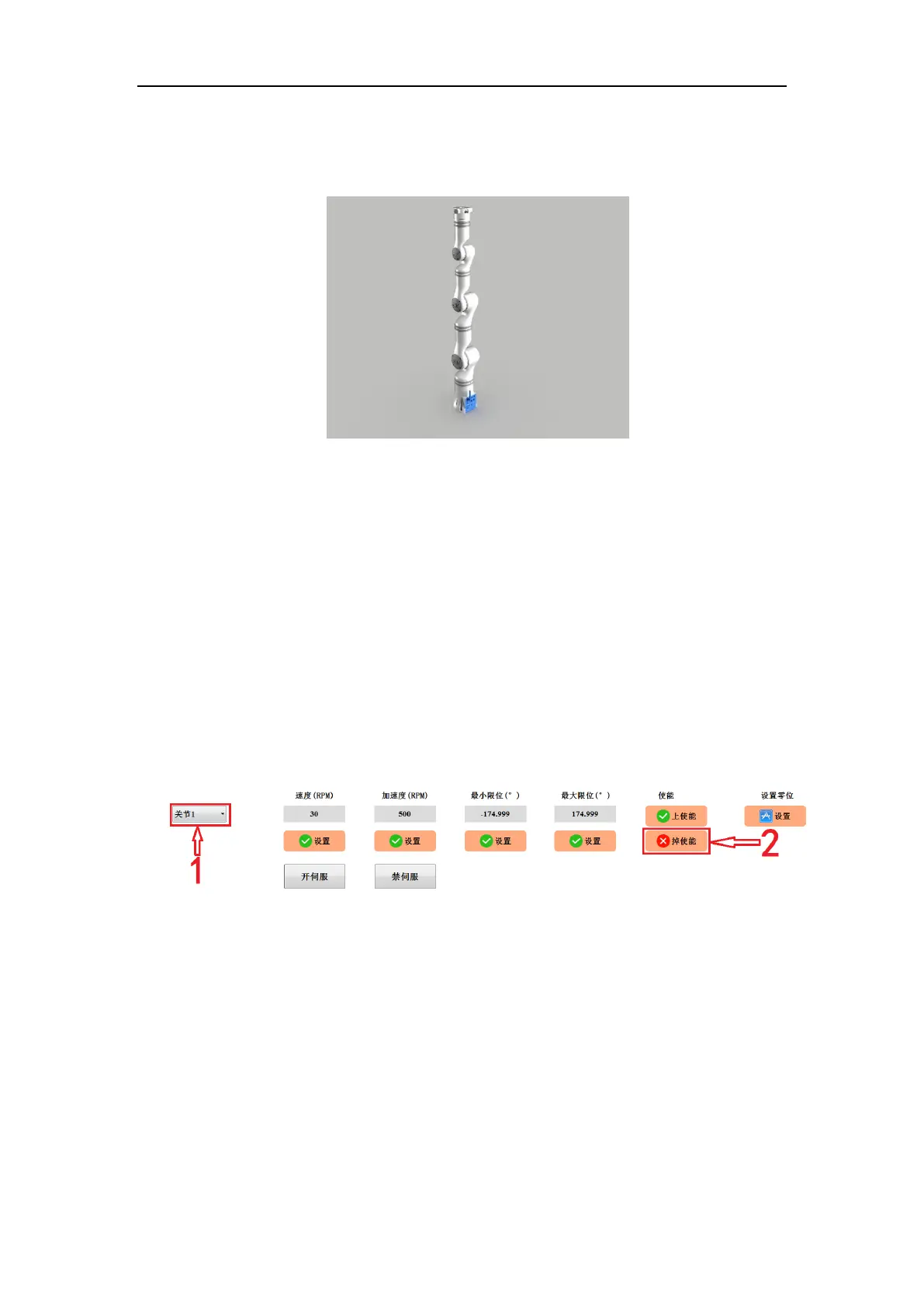
position manually. In the origin position, the status of the robot is shown in the figure
below.
Fig. 8-51 The joints in enabled status.
When the arm joint is replaced, the origin position of the corresponding joint must be
reset.
Example of setting origin:
Set the origin of joint 1 (and the origins of other joints can be set likewise).
1. Select joint 1 from the leftmost option.
2. Click the “Disenable” button on the right (if the joint is in the upper enabled status)
to disenable the joint first.
Fig. 8-52 Set the origin of a joint.
3. Rotate joint 1 to the mechanical origin position (i.e., the mechanical origin position
after the grooves on both sides of the joint gap match exactly).



 To Next Page