For factory reference.
SERVICE STG
Diagnostics >
Learning System >
Parameter >
Maintenance >
Functions >
Operation mode >
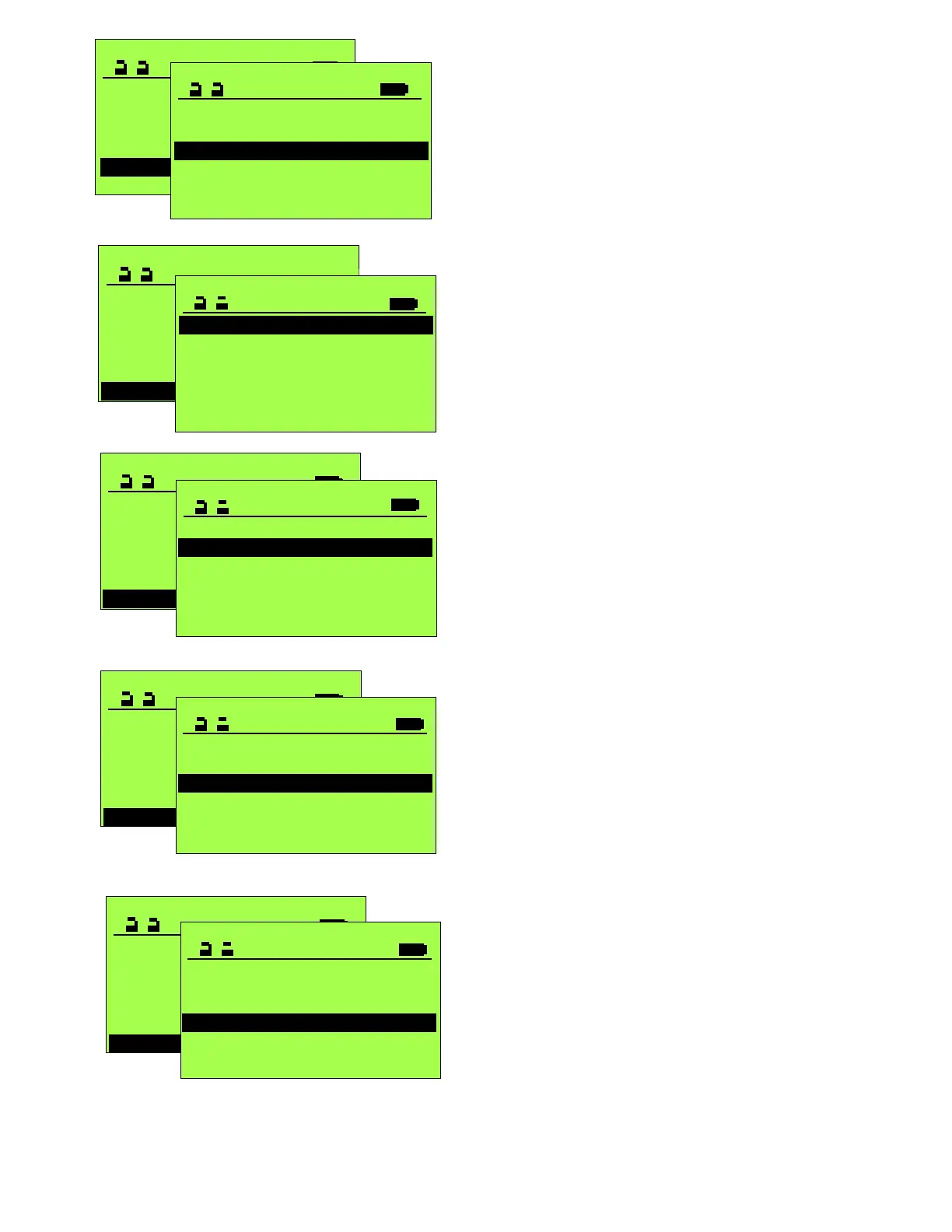
Indicates the current operational mode of the door.
Note this screen does not dynamically update in
response to changes to the control panel.
The Status screen, accessible anytime the terminal
is servicing the unit (STG), will dynamically update
in response to changes to the control panel(s).
Operation Mode
One-way >
Manual >
Automatic >
Cont. open >
Locked >
Parameter >
Maintenance >
Functions >
Operation mode >
Diagnostics >
Operation mode >
SERVICE STG
Learning System >
Parameter >
Maintenance >
Functions >
Diagnostics >
DIAGNOSTICS
Error history >
Protocol >
Cycles >
Input >
Hours >
Door parameters >
Will illustrate active inputs
SERVICE STG
Learning System >
Parameter >
Maintenance >
Functions >
Operation mode >
Diagnostics >
DIAGNOSTICS
Protocol >
Cycles >
Input >
Hours >
Door parameters >
Error history >
SERVICE STG
Learning System >
Parameter >
Maintenance >
Functions >
Operation mode >
Diagnostics >
DIAGNOSTICS
Error history >
Protocol >
Cycles >
Input >
Hours >
Door parameters >
List of current Errors and ability to
delete for a fresh future listing.
List the status of settings and
parameters.
Cycle count and hours of operation
readouts for maintenance use.
Chronological list of the changes to
Parameters & Settings with a
software-based time stamp.
SERVICE STG
Learning System >
Parameter >
Maintenance >
Functions >
Operation mode >
Diagnostics >
DIAGNOSTICS
Software >
Protocol >
Cycles >
S/N 0
Hours >
Door parameters >
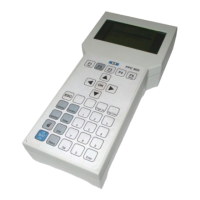
By selecting Status Key, bottom row FPC902
keyboard)







 To Next Page