COPYRIGHT © 2014 RED.COM, INC
RED DSMC OPERATION GUIDE
955-0020_V5.1, REV-H | 78
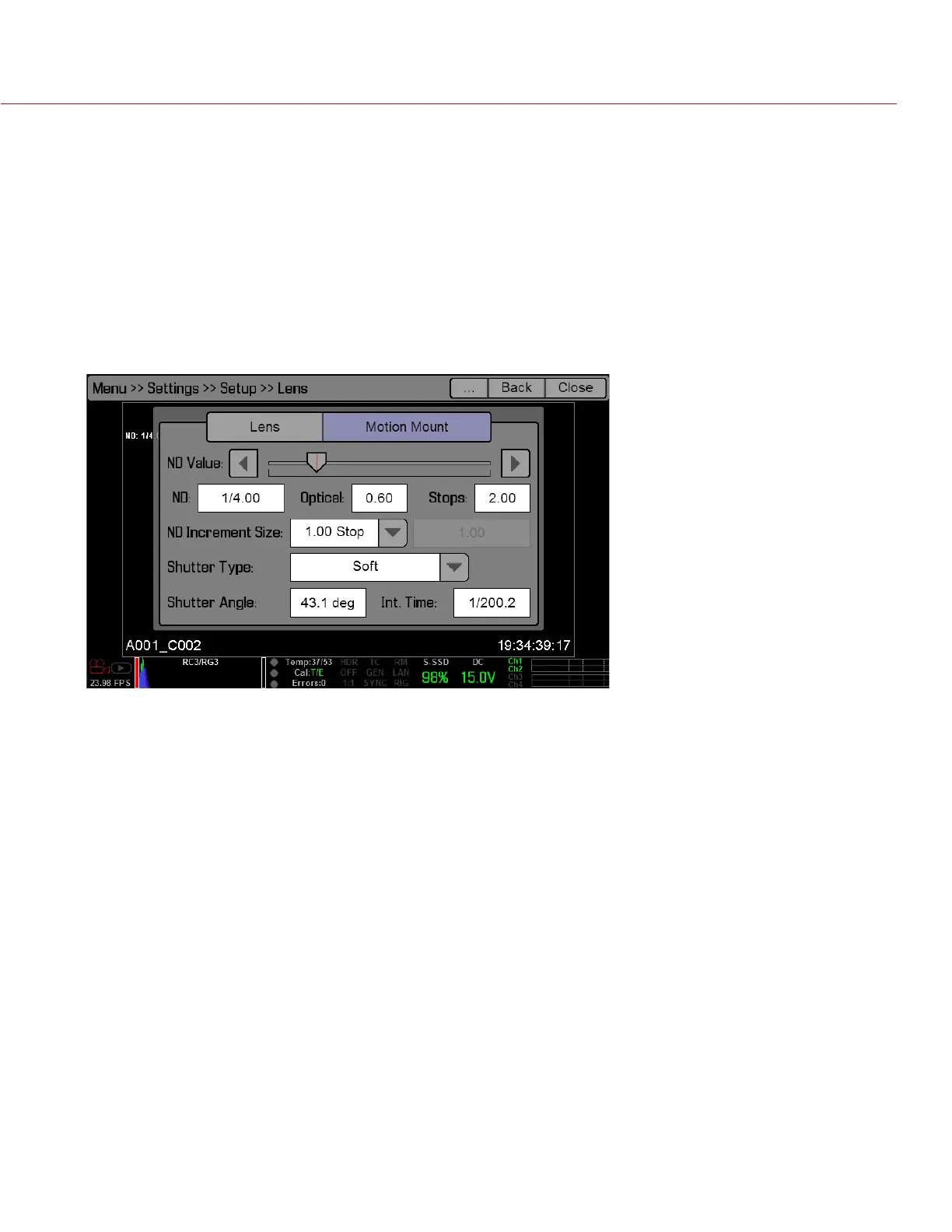
MOTION MOUNT TAB
NOTE: The Motion Mount menu is only accessible when a DSMC
®
RED MOTION MOUNT
TM
is installed. For more
information about using the MOTION MOUNT, see the DSMC MOTION MOUNT Operation Guide, available at
www.red.com/downloads.
1. Navigate to Settings > Setup > Lens > Motion Mount.
2. Select one of the following Motion Mount settings from the Shutter Type drop-down menu:
‒ ND Only: The MOTION MOUNT functions only as an ND filter.
‒ Soft: The MOTION MOUNT soft shutter takes over shuttering duties, and the MOTION MOUNT contin-
ues to function as an ND filter.
‒ Square: The MOTION MOUNT square shutter takes over shuttering duties, and the MOTION MOUNT
continues to function as an ND filter.



 To Next Page