REAR VIEW
2
Getting to know your vehicle - 159
For safety reasons,
carry out any adjust
ments while the vehi
cle is stationary.
Adjust the system field of vision
andthedoormirrorsbeforedri
ving. Be sure to adjust the central
rear view mirror before switching
to "screen" mode.
Specialfeaturesrelatedtothere
verse gear
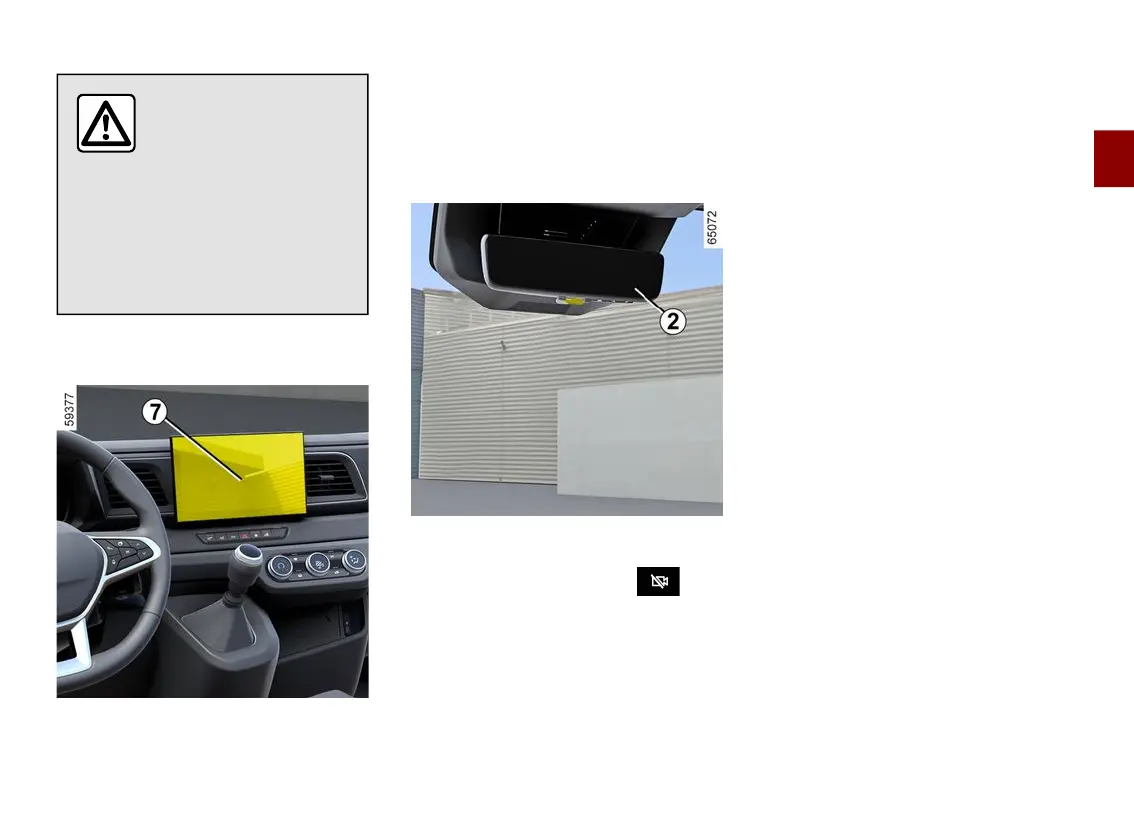
Whenthevehicleisreversing,payat
tention to the images transmitted by
the reversing camera (multimedia
screen
7
) in addition to the information
available through the rear view mirror
🡺273 as there remains a rear view
blind spot.
Operating faults
When the system detects an operating
fault, the bottom of the rear view mirror
2
changes to black and the
symbol appears at the top left-hand
sideoftherearviewmirroraccompa
nied by a message.
This may be caused by a fault affecting
the camera or screen (clearness, fixed
image, delayed communication etc.).
If the black background persists,
switch to "mirror" mode and consult an
approved dealer.











 To Next Page