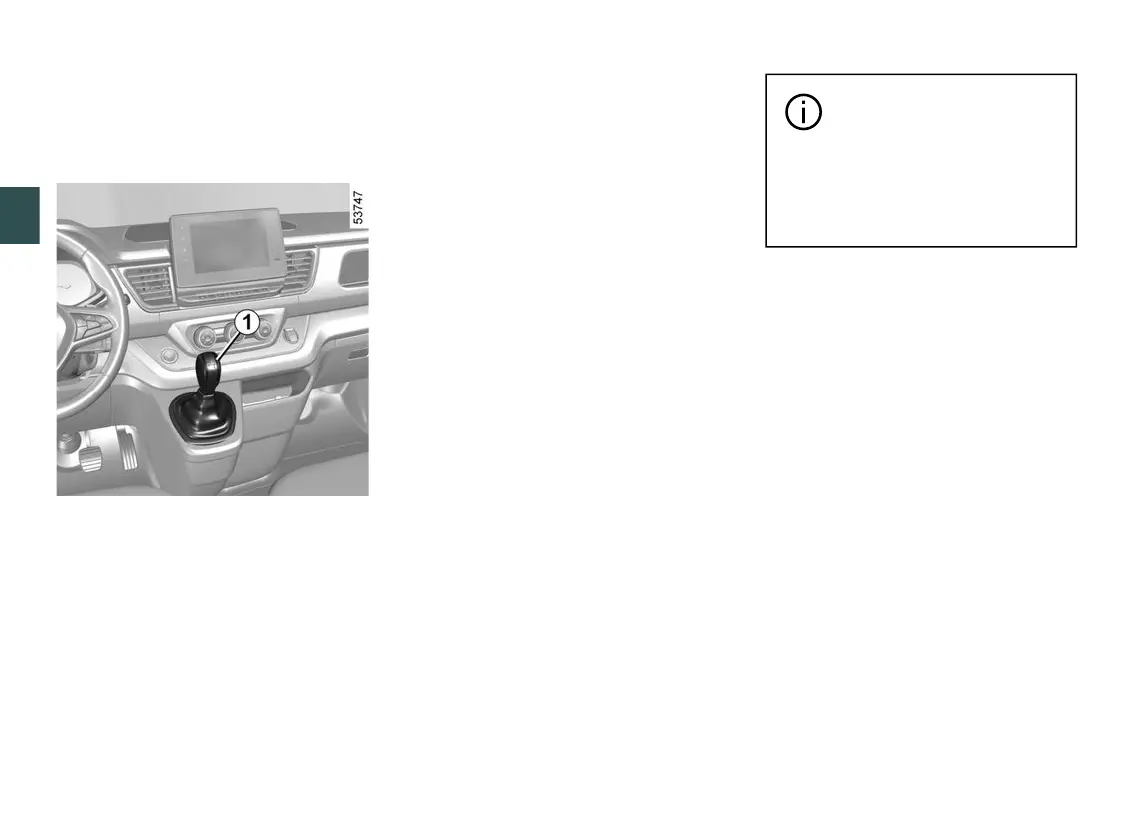
GEAR CONTROL
3
190 - Driving
This will enable you to change down
to the optimum gear within the en
gine range.
Driving in manual mode
Shift the selector lever
1
to D position,
then shift the lever to the right to Mpo
sition.
Shifting the lever repeatedly allows
you to change gears manually:
– to move down through the gears,
push the lever forwards;
– to move up through the gears, push
the lever backwards.
The gear selected is displayed on the
instrument panel.
Special cases
In certain driving conditions (resulting
in,forexample,engineprotection,acti
vation of the electronic stability control
(ESC), etc.), the automatic system
may change the gear automatically.
Likewise,topreventincorrectmanoeu
vres, a gear change may be refused
by the automatic system: in this case
thegeardisplayflashesforafewsec
onds as a warning.
Special circumstances
– If the road surface and bends do
not allow you to stay in automatic
mode(e.g.whendrivinginthemoun
tains), we recommend that you change
to manual mode. This will prevent the
"automatic gearbox" from changing
gears repeatedly when driving uphill,
andpermitenginebrakingonlongde
scents.
– In cold weather, start the engine
andwaitafewsecondsbeforedisen
gaging P or N position and shifting the
lever to D or R position.
Whenfacinguphill,tore
main stopped, do not keep
yourfootontheaccelera
tor.
Risk of overheating the auto
matic gearbox.
Parking the vehicle
When the vehicle is stationary, move
thelevertoPpositionwhilekeeping
your foot on the brake pedal: the drive
wheels are mechanically locked by the
driveshaft.
Ensure that the electronic parking
brake is engaged.
Note: if the vehicle is parked on a
steep slope with P position engaged,
the "WARNING: Apply Parking Brake"
message appears on the instrument
panel accompanied by a beep.
Maintenance period
Refer to the maintenance document
for your vehicle or consult an Approved
Dealer to check whether the automatic
gearboxrequiresscheduledmainte
nance.
If it does not need to be serviced, there
is no need to top up the oil.











 To Next Page