The evaluation software "EasySieve
®
" automatically records the weights and allows for a
quick and simple evaluation of the sieve analysis. A detailed description can be found in the
separate manual of the software. Thereby, the communication between the AS 200 jet and
the PC is established via a USB cable, which is connected to the USB interface (O).
NOTICE The USB interface must be selected in the basic settings.
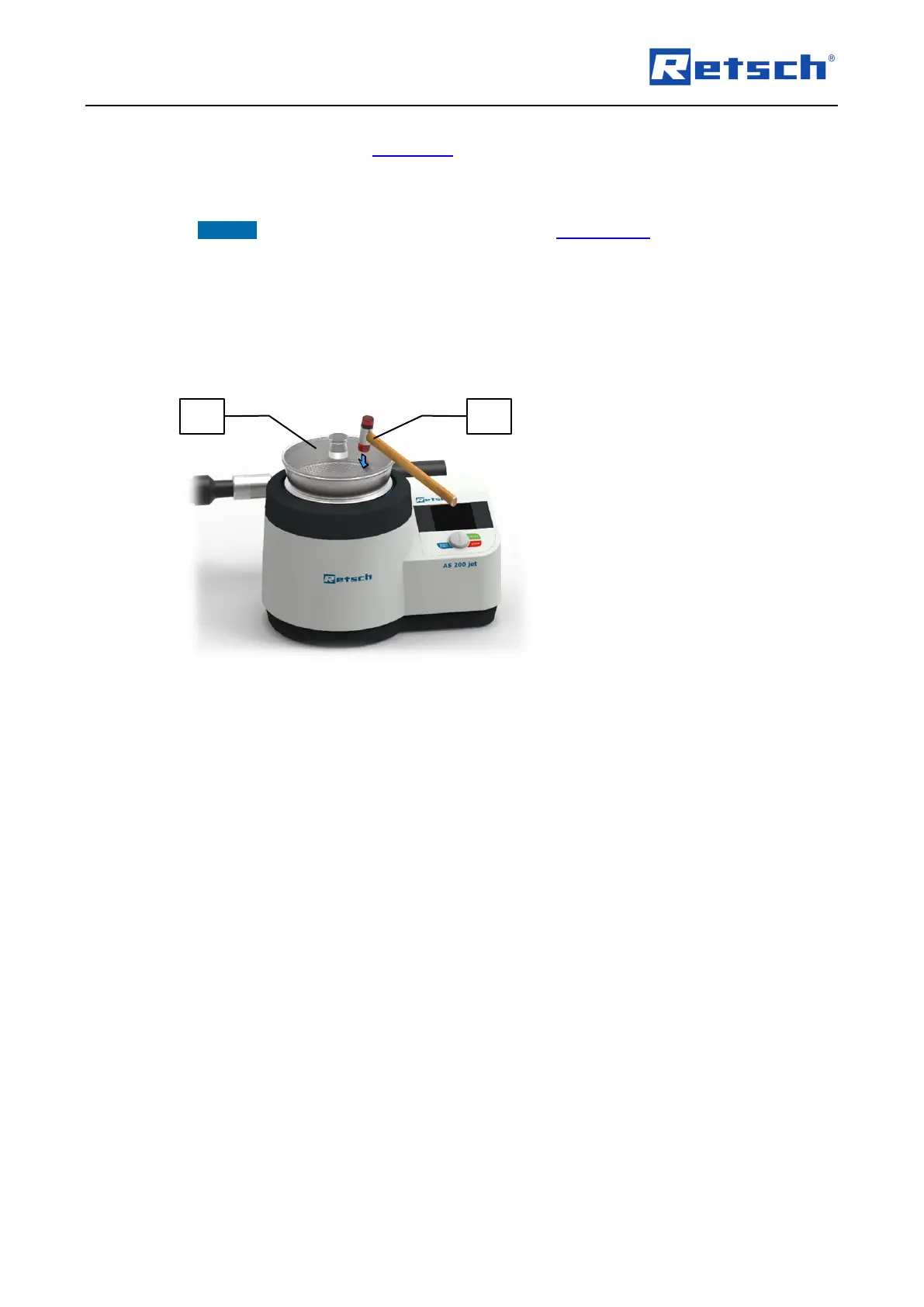
6.6.1 Soft-faced Mallet
To remove deposits of sample material from the bottom side of the sieve lid during the sieving
process, the soft-faced mallet included in the delivery can be used.
Lightly tap on the sieve lid (R) with the soft-face mallet (SH).



 To Next Page