7.2 Operating Modes and Navigation
The device can be operated entirely using the control unit. The operating software can be
divided into three operating modes:
Manual
Programme
Quick start
7.2.1 Navigation between Operating Modes
Turn the rotary push button (H4) until the navigation area (H5) is highlighted with a darker
background.
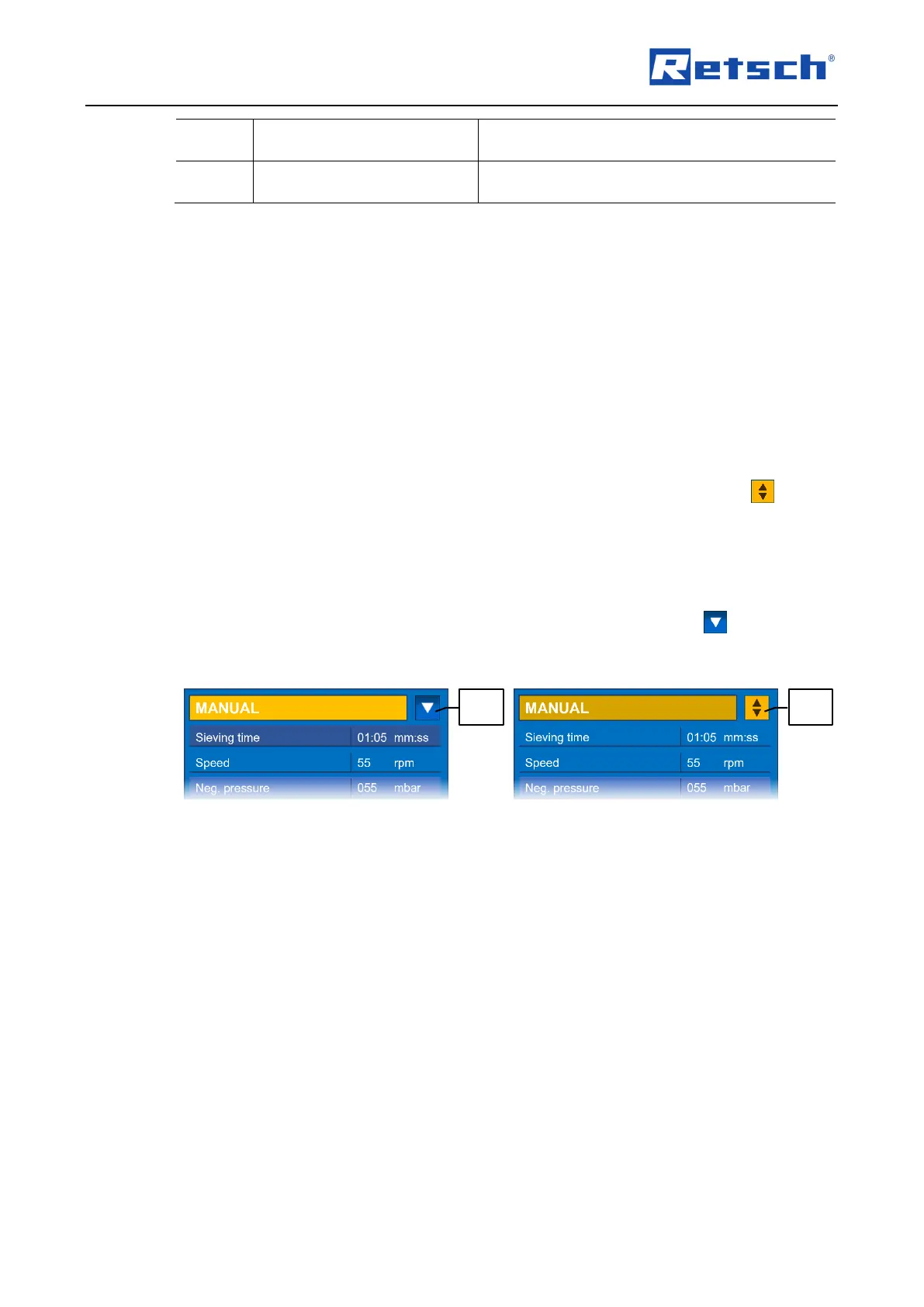
Press the rotary push button to activate the navigation area. The navigation icon (H5.1)
is now highlighted in yellow.
In the navigation area (H5) one of the operating modes "Manual", "Programme 1" to
"Programme 9" or "Quick start" can be selected, or the "Basic settings" can be accessed.
Turn the rotary push button until the desired item is displayed.
Press the rotary push button to confirm the selection. The navigation icon (H5.1) is now
highlighted in blue.
After selection, navigate through the menu items by turning the rotary push button.
If located in a submenu, a fast switch back to the main menu is possible by a prolonged
pressing of the rotary push button.
7.3 Sieving Parameters
7.3.1 Adjustable Parameters
The following parameters can be set via data entry:
Sieving time
Speed
Neg. pressure (only with automatic vacuum regulation)
In manual mode the parameters can be edited directly. In programme mode the parameters can
only be changed when the edit mode has been activated via the menu item "Edit program".



 To Next Page