Controlling the Device
41
The RS232 interface serves as access for service work and is only intended for service
technicians from Retsch GmbH.
The USB interface is used for data transfer between the AS 200 jet and a PC. NOTICE For the
communication with the evaluation software EasySieve
®
available as an accessory, the USB
interface must be activated.
7.7.8 Service
Under this menu item, the service environment can be accessed.
Use the rotary push button (H4) to navigate to the menu item "Service". The parameter is
highlighted in a darker background.
Press the rotary push button to enter the submenu "SERVICE".
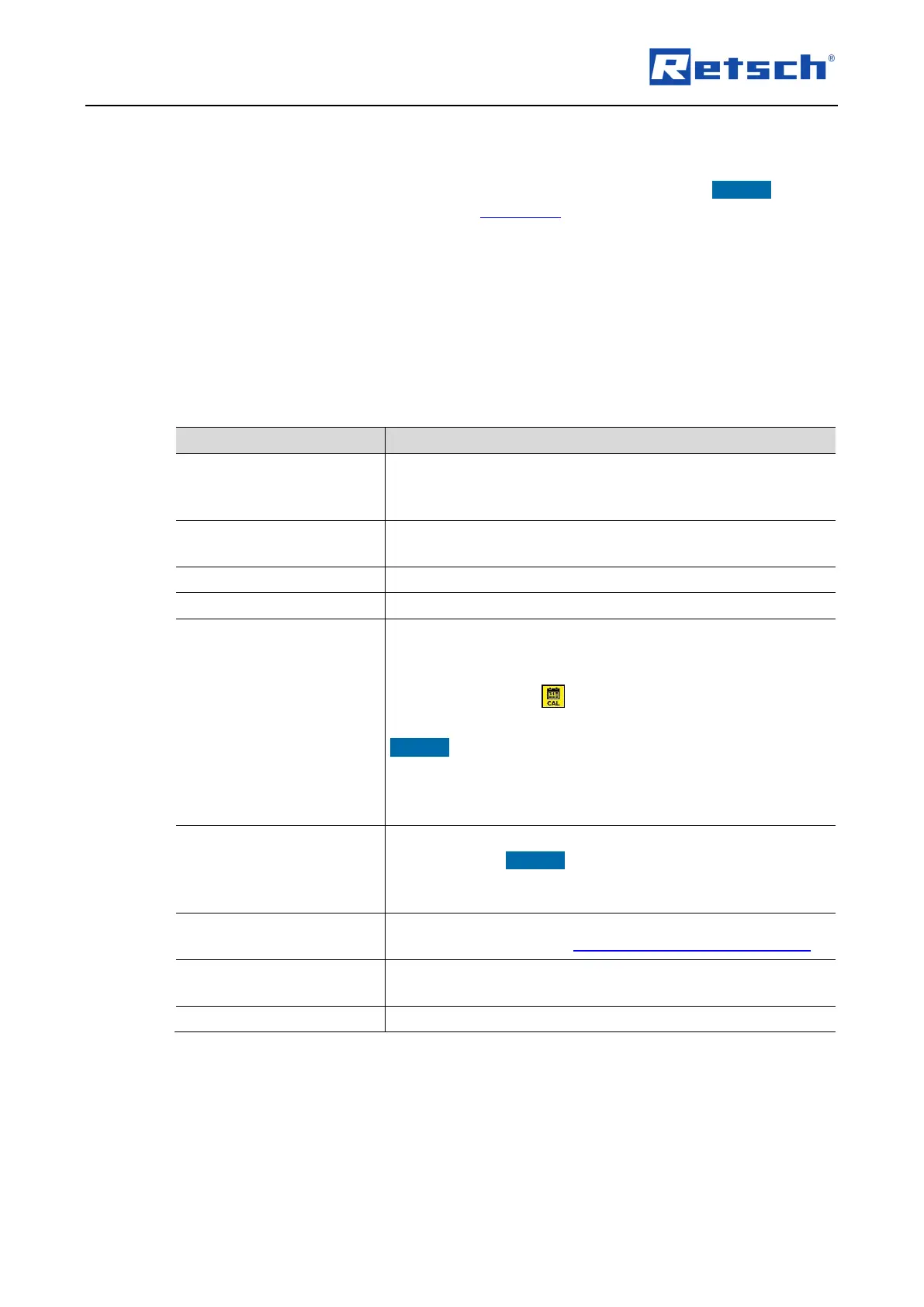
The submenu "SERVICE" provides access to the following device information and functions:
Displays the operating hours of the device in hours and minutes
(h:m). The process times, i.e. the times between start and stop
are counted. The time cannot be manipulated.
Displays the version number of the display software
(programme control).
Controller software version
Displays the version number of the firmware (device control).
Displays the serial number of the device.
Displays the date until which the device is calibrated. The
reminder date is displayed in the format year-month-day (yyyy-
mm-dd) and can be set via the rotary push button (H4). If the
date is exceeded, the icon (H7.1) is displayed.
NOTICE A correctly set reminder date is important for the
adherence of the calibration intervals. Especially, when the
device is used in quality control and thus must be regularly
calibrated in accordance with DIN EN ISO 9000 ff.
Via this menu item, the display software and/or the firmware
can be updated. NOTICE An update is only possible via a PC
connected to the RS232 interface and the corresponding
programming software.
Via this menu item, the pressure sensor of the AS 200 jet can
be calibrated ( Chapter "Calibration of the Pressure Sensor").
The service level can only be accessed by service technicians
from Retsch GmbH.
Via this menu item the submenu "SERVICE" can be left again.



 To Next Page