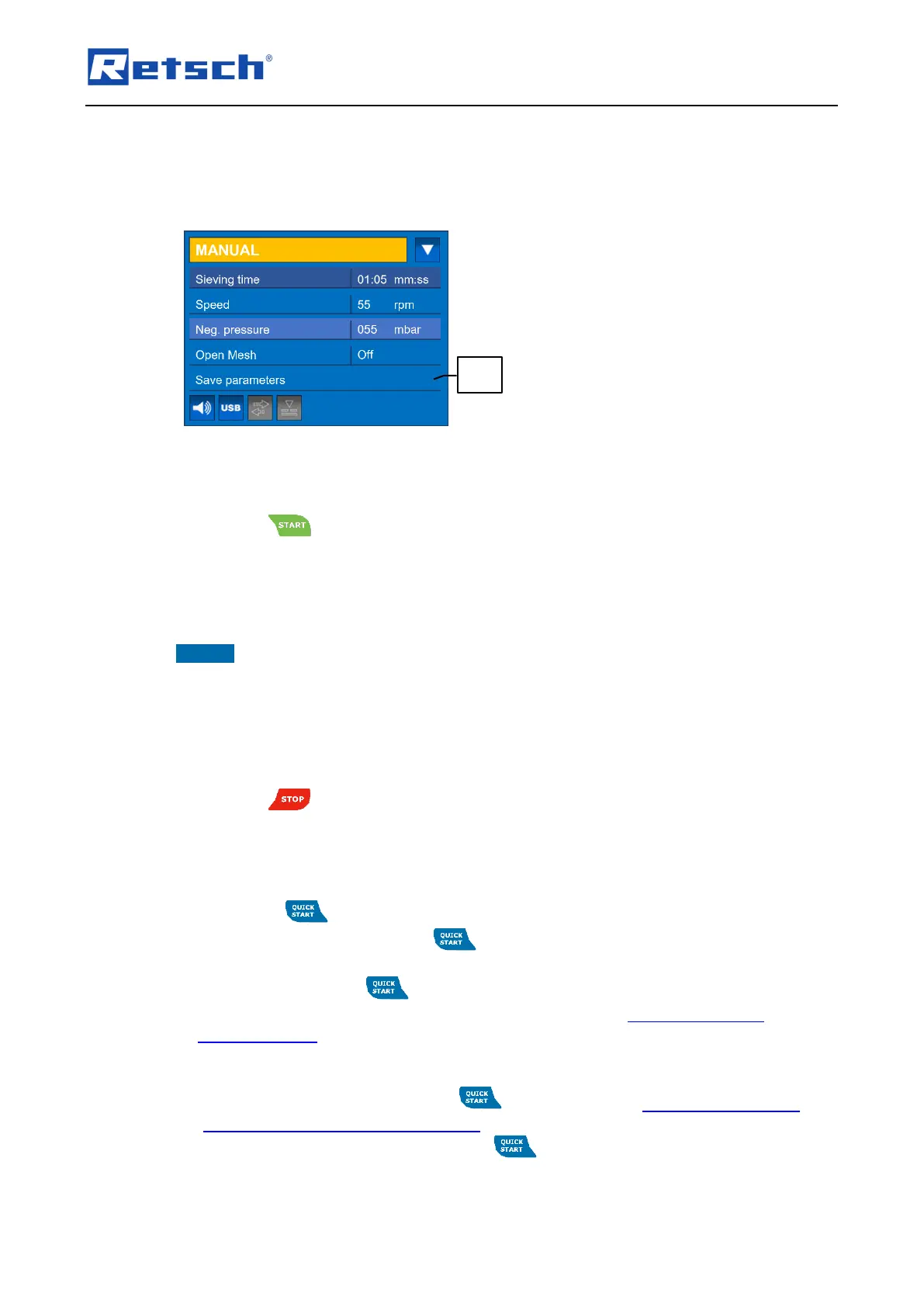
Select the desired programme memory position under the item "Program".
Select "Save" to overwrite the selected programme memory position with the current
parameters.
To cancel the process, select "Back".
7.4.1 Start Process
Press the button (H2) to start the sieving process.
During the manual sieving process, the sieving time and/or the speed can be modified. If an
automatic vacuum regulation is connected, the negative pressure can also be changed during
operation. All other parameters cannot be changed during operation.
NOTICE Without the sieve lid (R) on, no negative pressure can be built up and thus no sieving
process can be carried out.
7.4.2 Stop Process
The sieving process will stop automatically after the set sieving time has elapsed. However, the
sieving process can be stopped manually at any time.
Press the button (H1) to stop the sieving process.
7.5 Quick Start
In the "Quick start" operating mode, a frequently used parameter set can be defined and
assigned to the button (H3). A sieving process can thus be started easily and at any time
with the preferred parameters via the button (H3).
Assign parameters to the button:
Navigate to the operating mode "QUICK START" ( Chapter "Navigation between
Operating Modes"). The currently set parameters are displayed.
Navigate to the menu item "Edit program".
Press the rotary push button to enter the submenu "EDIT PROGRAM".
Define the desired parameters for the button ( Chapter "Adjustable Parameters" and
"Activatable or Deactivatable Parameters").
Select "Save" to assign the changes to the button.
To discard the changes, select "Back".



 To Next Page