Controlling the Device
32
7 Controlling the Device
7.1 Operating Controls, Displays and Functions
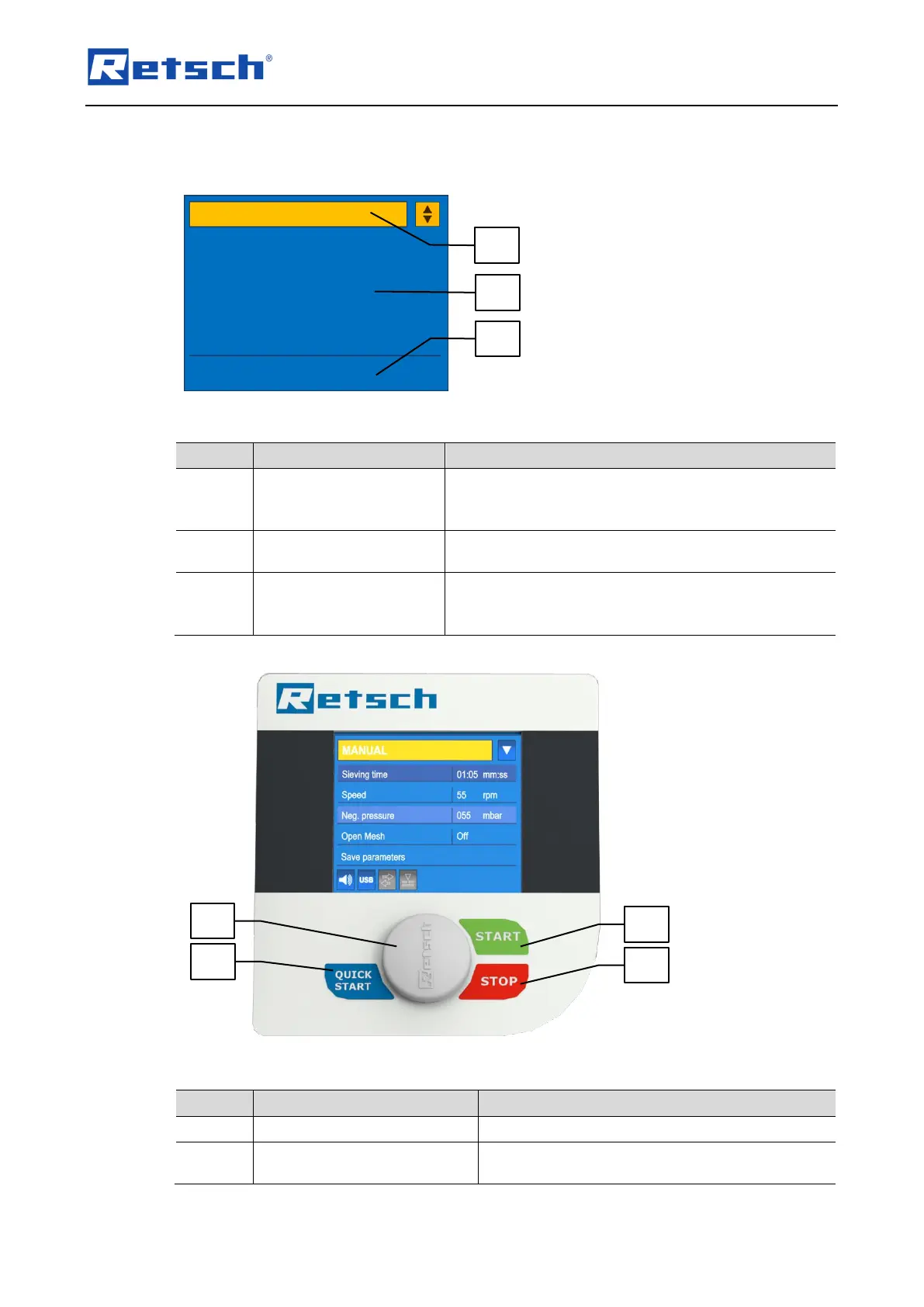
Fig. 15: Control panel areas
Selection of the operating modes "Manual",
"Programme" and "Quick start", access to the menu
"Basic settings"
Settings and display of
parameters
Settings of sieving parameters and display of
parameters during the sieving process
Display of the current device settings for "Signal tone",
"Interface", "Open mesh" and "Automatic vacuum
regulation"
Fig. 16: Control elements and functions
Stops the sieving process
Starts the sieving process with the selected (set)
parameters



 To Next Page