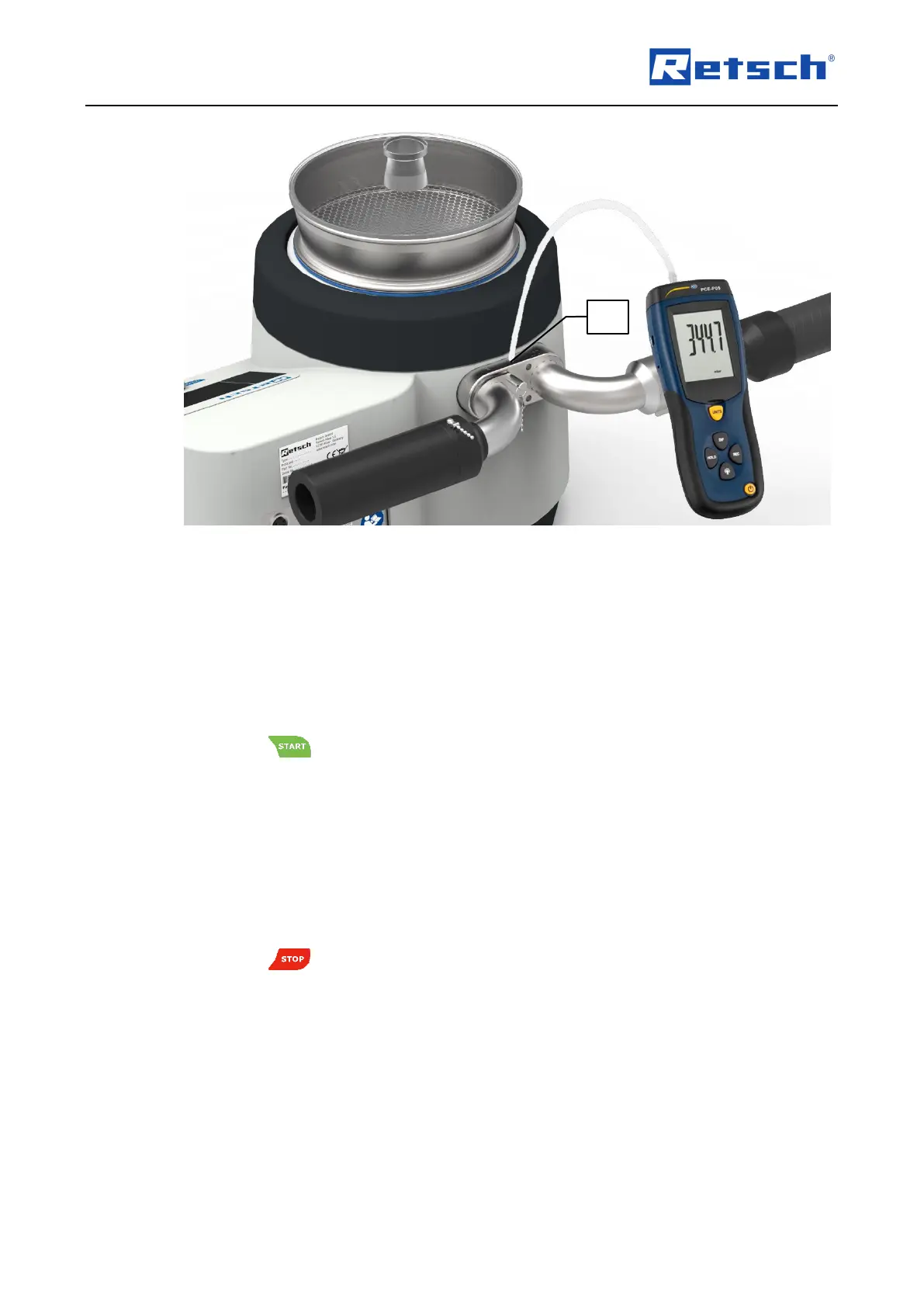
Connect a suitable differential pressure manometer (e.g. PCE-P05) to the measuring port
(MO).
Use the rotary push button (H4) to navigate to the menu item "Service". The parameter is
highlighted in a darker background.
Press the rotary push button to enter the submenu "SERVICE".
Use the rotary push button to navigate to the menu item "Calibration sensor". The parameter
is highlighted in a darker background.
Press the rotary push button to enter the submenu "CALIBRATION SENSOR".
Press the button (H2).
The AS 200 jet now automatically switches on the industrial vacuum cleaner. However, the
nozzle does not rotate. The negative pressure (differential pressure) is displayed in the menu
item "Neg. pressure".
Compare the displayed negative pressure on the control unit of the AS 200 jet with the
measured value of the connected differential pressure manometer.
If desired, change the setting of the manual vacuum regulation to check additional
measuring points.
Press the button (H1) to end the calibration.
Remove the differential pressure manometer and screw the sealing screw (DS) back in.



 To Next Page