POP 3D Scanner User Manual
15 COPYRIGHT ©2021 REVOPOINT 3D ALL RIGHTS RESERVED
While scanning, the 3D Model preview window (center) will display the captured data (shown in blue) and the current data (shown in green).
The currently-scanned area (lower left window) will not display the already-scanned portion of the model that is seen in the 3D Model preview
window.
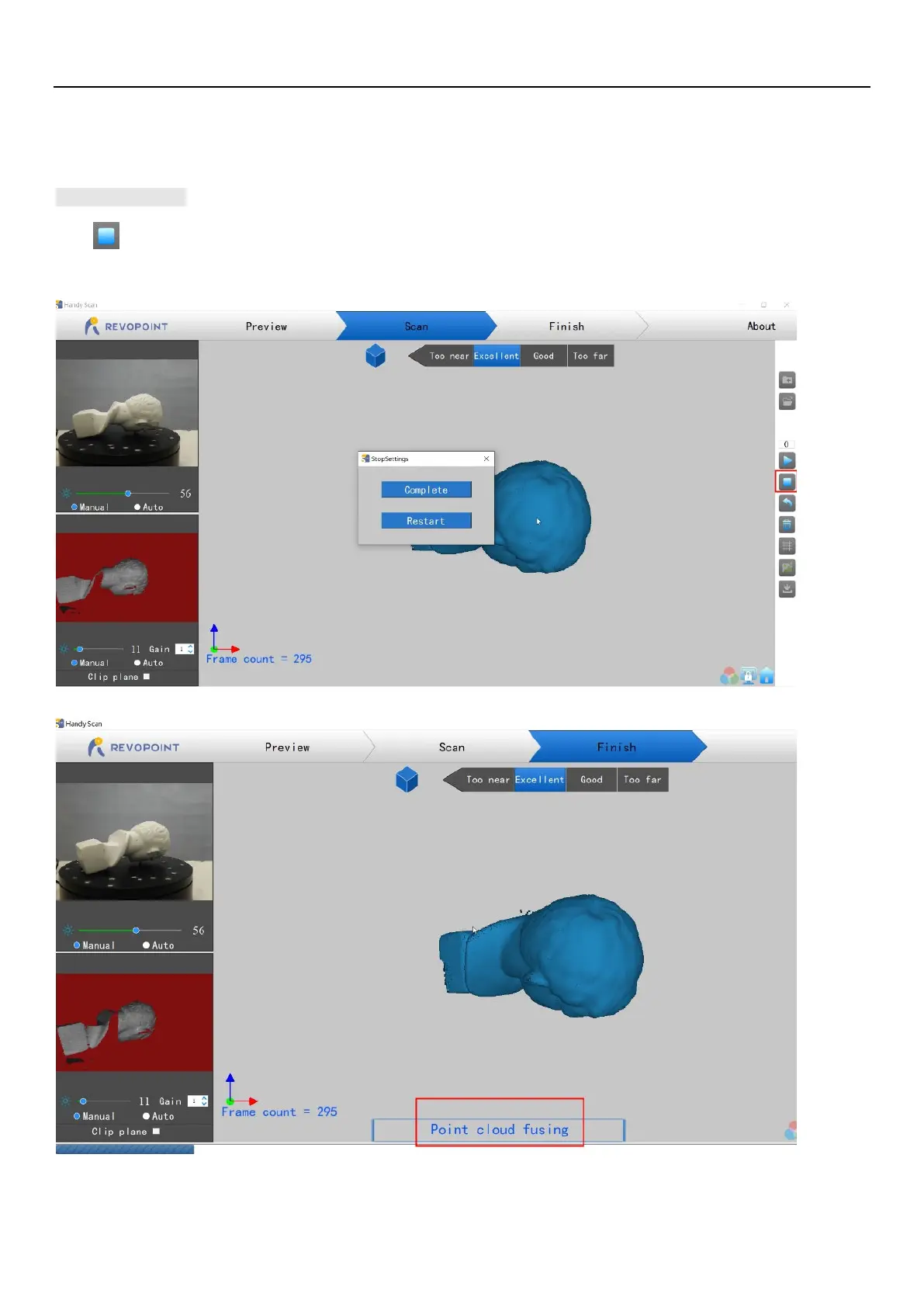
Stop Scan
Click and the "Complete" button in the popup to fuse the point cloud data, or press the “Restart” button to delete the data and return to the
Preview section.



 To Next Page