POP 3D Scanner User Manual
COPYRIGHT ©2021 REVOPOINT 3D ALL RIGHTS RESERVED 16
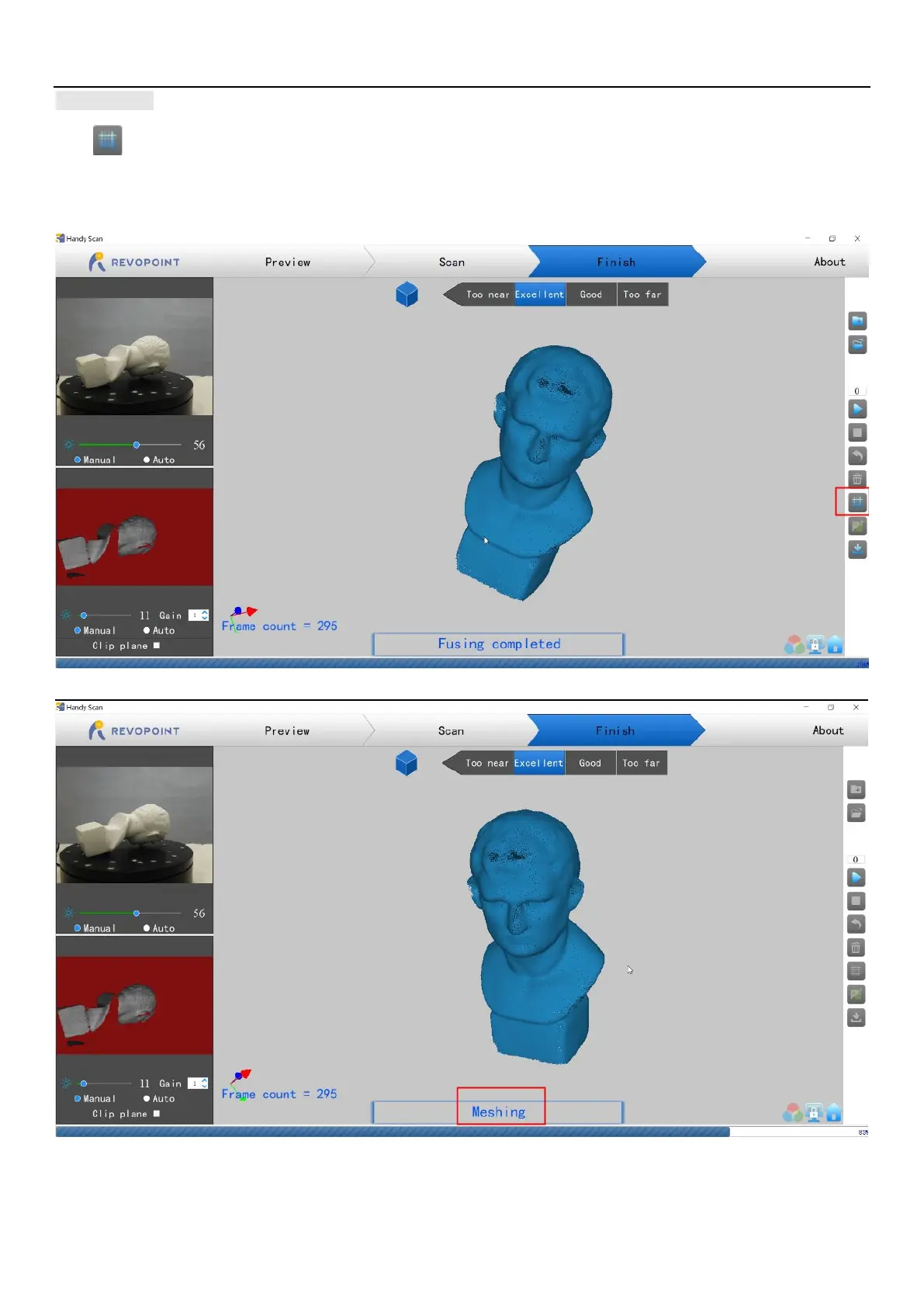
Meshing
Click to start converting the scanned point cloud data into a mesh. This is an optional step; the Handy Studio app can also mesh the point
cloud data, and will do so at a higher resolution, but it will take longer to process. Handy Scan was designed to process at a lower resolution on
computers and smartphones to reduce processing time and to increase workflow.



 To Next Page