POP 3D Scanner User Manual
COPYRIGHT ©2021 REVOPOINT 3D ALL RIGHTS RESERVED 6
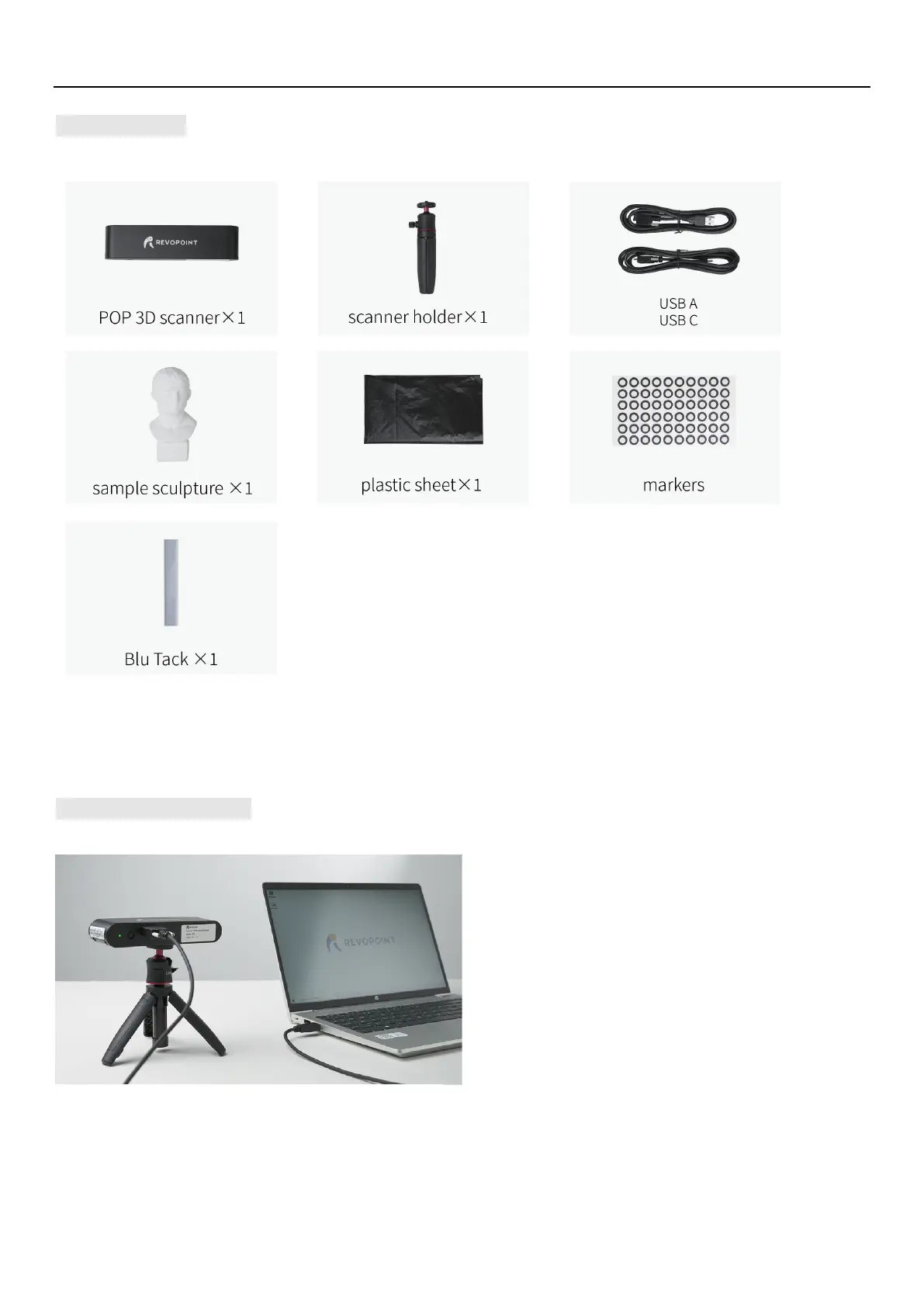
Packing List
Hardware Connection
Laptop Connection
Make sure the POP scanner is connected to a USB
3.0+ port, because USB 2.0 will not supply
sufficient operating current. An indicator of this is
repeated power resets and lost connections.
*The display screen resolution recommended is 1920×1080.



 To Next Page