POP 3D Scanner User Manual
7 COPYRIGHT ©2021 REVOPOINT 3D ALL RIGHTS RESERVED
Wireless Connection to a Smartphone
The POP 3D scanner can only connect to one device at a time.
If the POP is already connected to another device, it will not connect to your phone’s Hotspot.
How to revise the name and password
1. Download Windows Handy Scan app at
www.revopoint3d.com/download/pop/
2. Open “Handy Scan”, Click “About” – Click “Setting”
3. Input a name and a password as needed.
Letters, numbers and the underscore are the only characters
allowed in the password.
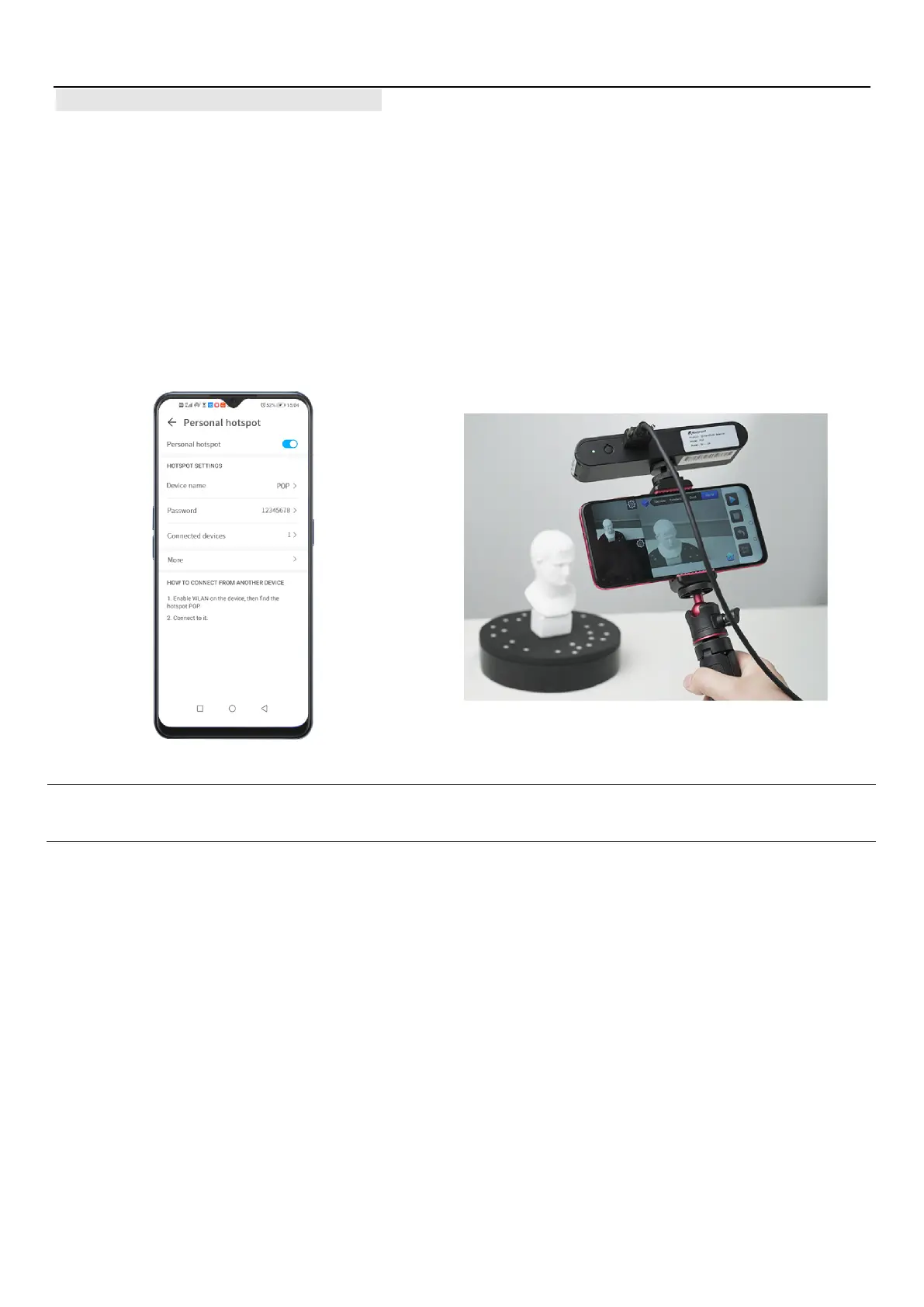
A smartphone can provide a Hotspot for the POP scanner.
The POP scanner should be powered via a battery/power supply
rated for 1 amp, minimum (2 amps is better).
Set personal hotspot on your smartphone:
Device Name: POP
Password: 12345678



 To Next Page