POP 3D Scanner User Manual
COPYRIGHT ©2021 REVOPOINT 3D ALL RIGHTS RESERVED 22
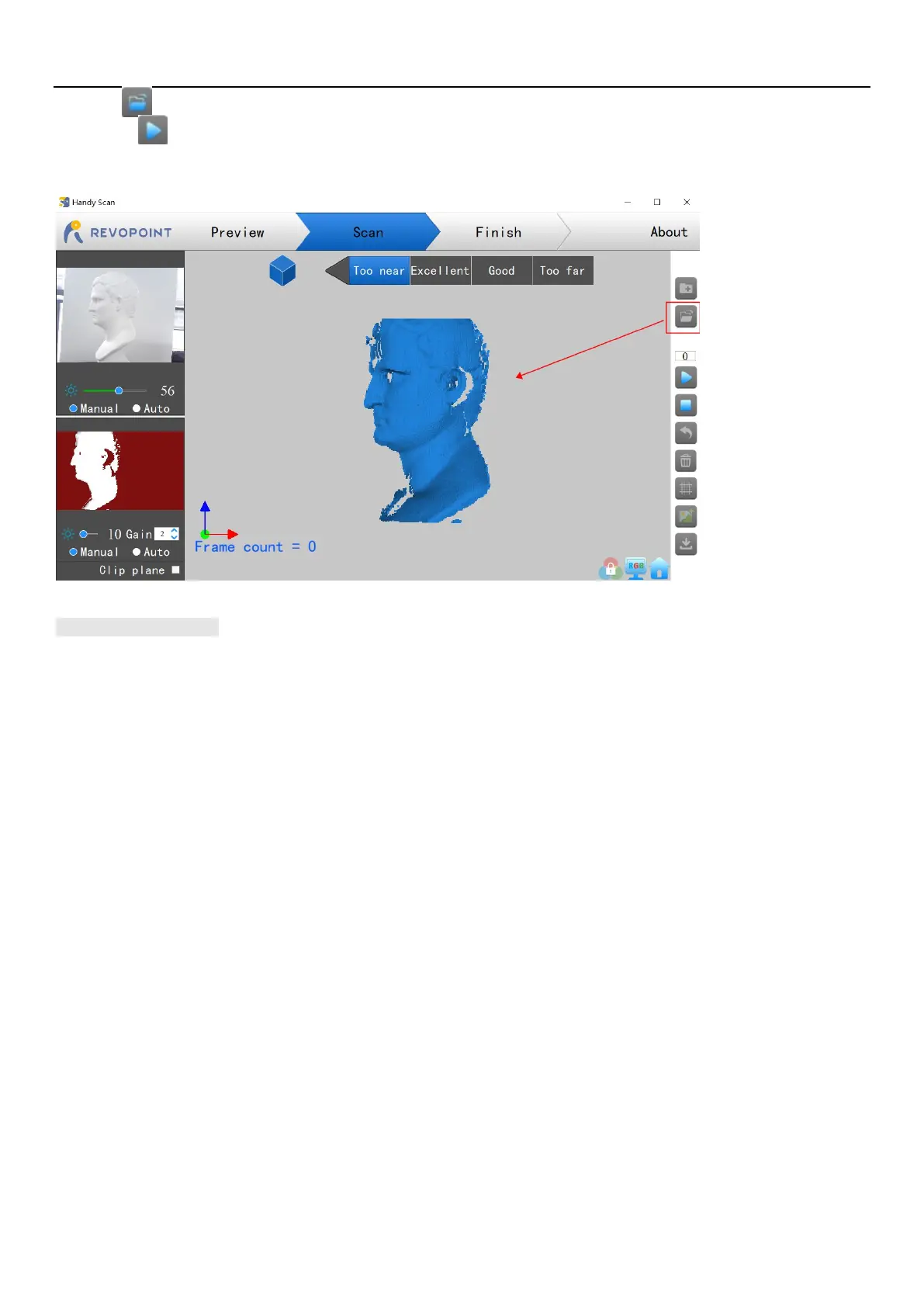
First, click to open this file in Handy Scan.
Second, click to scan the object associated with the 3D model.
*** This process can be repeated several times until the 3D model meets your requirements.
Keyboard Shortcuts
Press the "Space Bar" on your computer keyboard to toggle between Start and Pause.



 To Next Page