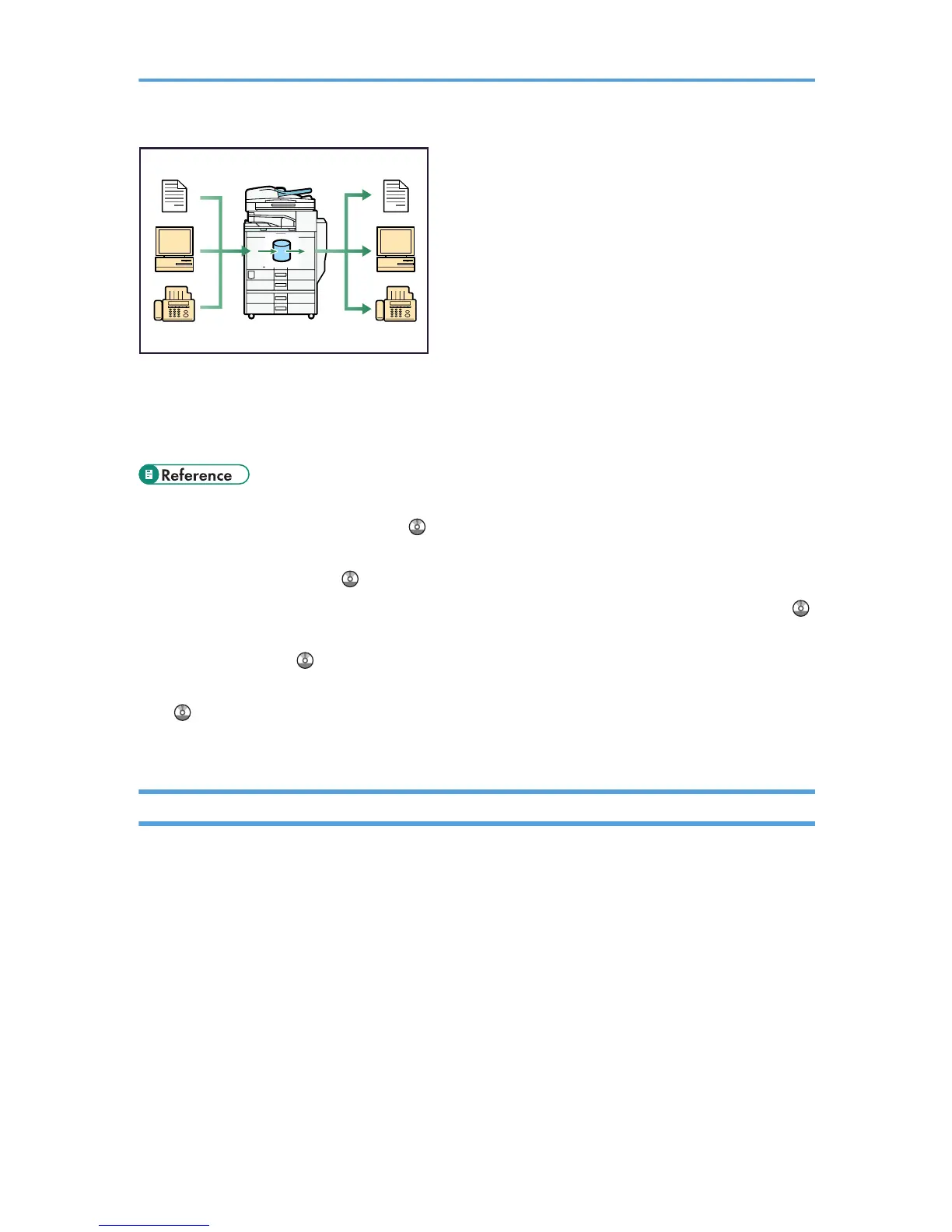
• You can also retrieve stored documents scanned in scanner mode.
• Using File Format Converter (optional), you can download documents stored in copier, Document
Server, or printer mode to your computer.
• For details about machine's settings, see “Network Settings Required to Use Document Server”,
Network and System Settings Guide .
• For details about Document Server in printer mode, see “Saving and Printing Using the Document
Server”, Printer Reference .
• For details about Document Server in fax mode, see “Storing a Document”, Facsimile Reference .
• For details about Document Server in scanner mode, see “Storing Files Using the Scanner Function”,
Scanner Reference .
• For details about Document Server, see “Document Server”, Copy and Document Server Reference
.
• For details about DeskTopBinder, see DeskTopBinder manuals.
Paperless Fax Transmission and Reception
You can store received fax messages on the machine's hard disk, instead of printing them onto paper.
Reception
You can store received fax documents in electrical format without printing it onto paper.
13



 To Next Page