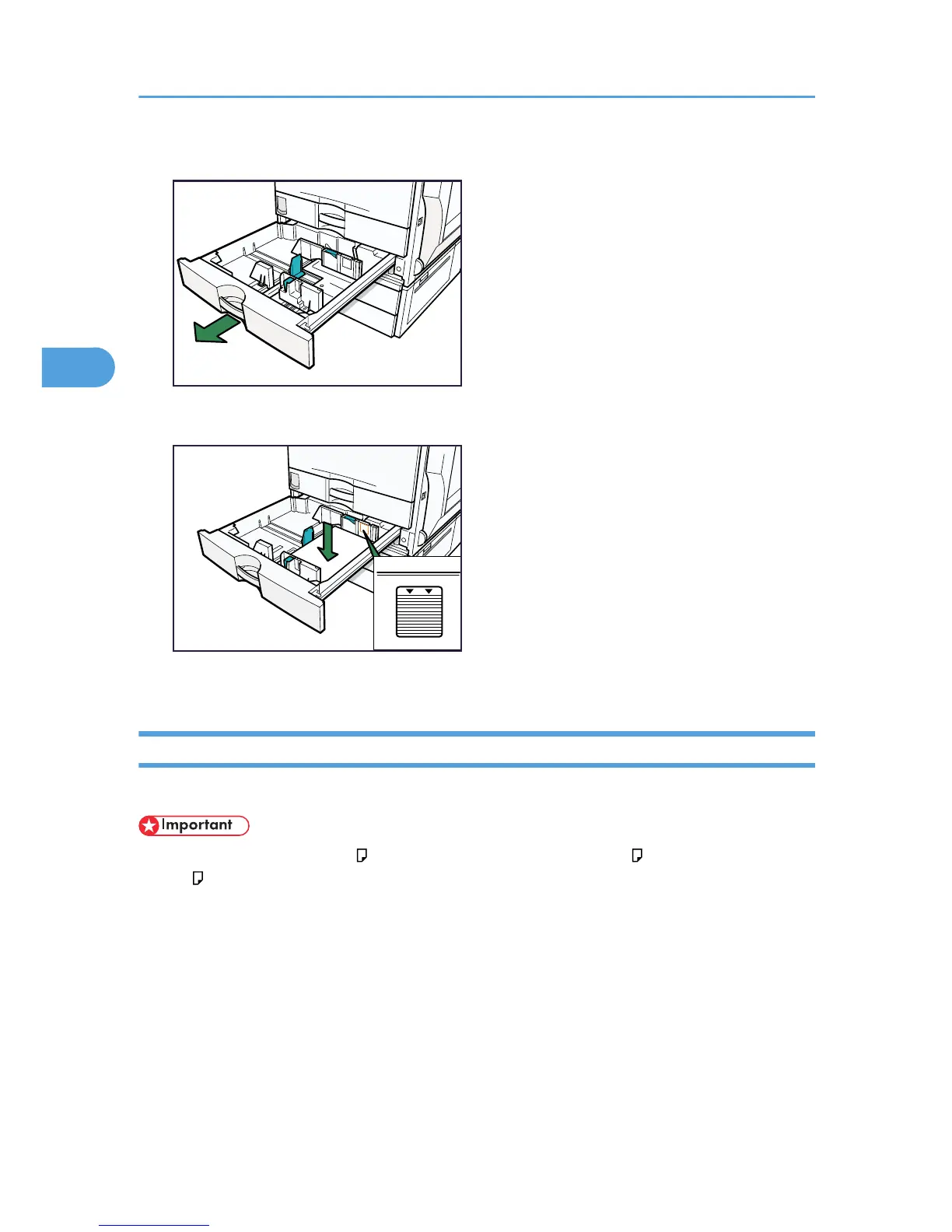
3. Carefully push the paper tray fully in.
Loading Paper into Tray 3 (LCT)
This section describes how to load paper into tray 3 (LCT).
• Tray 3 (LCT) uses 8
1
/
2
× 11 paper exclusively. Only load 8
1
/
2
× 11 paper. If you want to load
A4 , contact your service representative.
• Align the paper stacks and load them against the left and right walls, or a paper misfeed might occur.
• Each tray hold up to 1,000 sheets of paper. Do not stack paper over the limit mark.
3. Adding Paper
78



 To Next Page