1. Simple Search
You can search for a procedure either by keyword or by what you want to do.
Searching by what you want to do
You can search for a procedure by what you want to do.
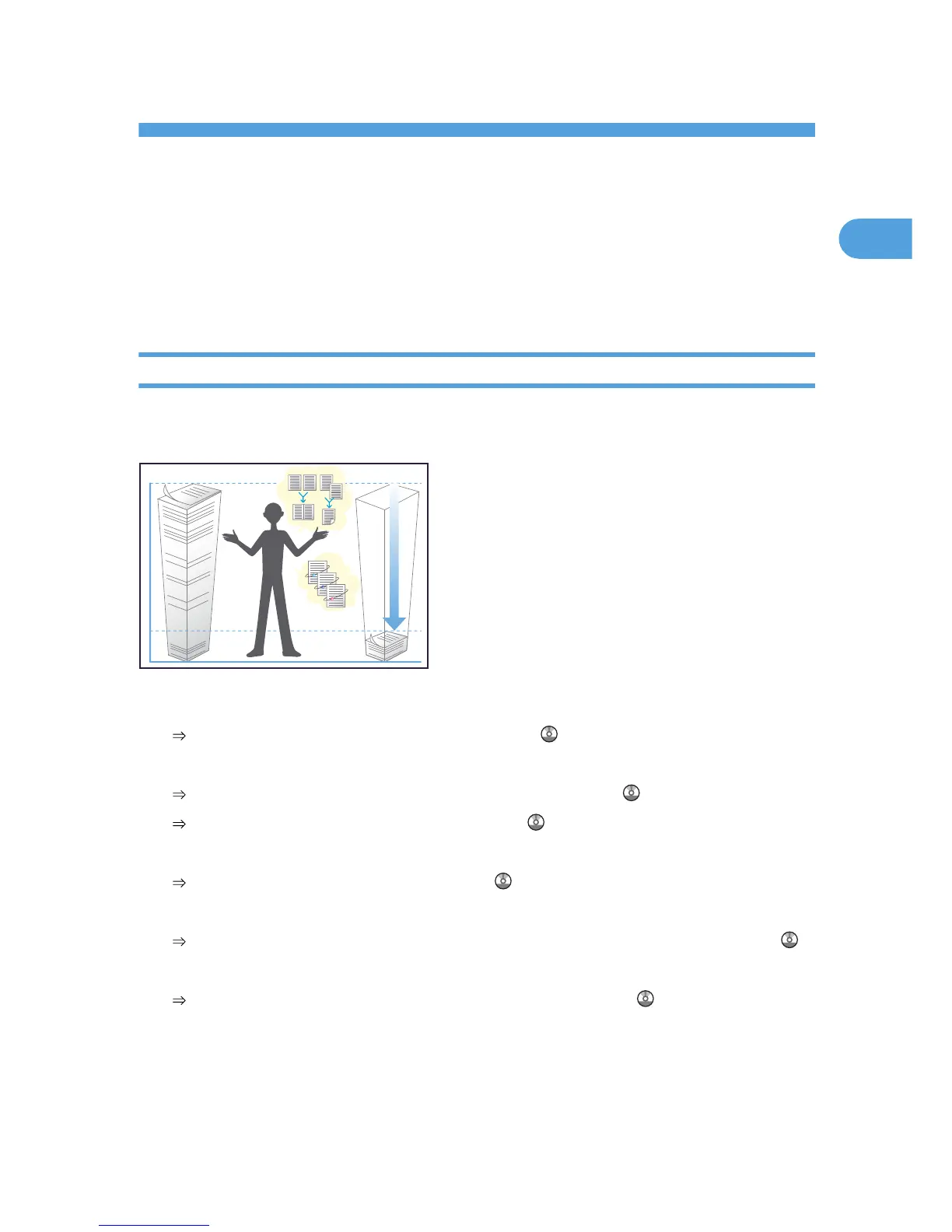
I want to save my paper document!
You can find explanations of the functions and procedures that you can use to save your paper document
easily.
Printing multi-page documents on both sides of sheets (Duplex Copy)
See “Duplex”, Copy and Document Server Reference .
Printing multi-page documents and received faxes on a single sheet (Combine (Copier/Fax))
See “Combined Copying”, Copy and Document Server Reference .
See “Combine Two Originals”, Facsimile Reference .
Printing received faxes on both sides of sheets (Two-Sided Print)
See “Two-Sided Printing”, Facsimile Reference .
Converting received faxes to electronic formats (Paperless Fax)
See “Confirming/Printing/Deleting Received and Stored Documents”, Facsimile Reference .
Sending files from the computer without printing them (LAN-Fax)
See “Sending Fax Documents from Computers”, Facsimile Reference .
43



 To Next Page